How to Create UGC Ads With AI: From Product URL to Finished Video
To create UGC ads with AI, work from a product URL or a short brief and move through a fixed sequence: research the angle, choose a hook, write a short script, pick an AI actor and setting, build a storyboard, generate the video, add captions, then review and iterate. UGCfy AI runs this full path and exports vertical 9:16 or square 1:1 video in more than 20 languages.
Creator-style ads work because they read as a person talking rather than a brand announcing. The idea is rarely the bottleneck. Production is: casting a face, writing lines that sound natural, shooting clean vertical footage, then repeating all of it for the next variation. An AI workflow folds most of that into repeatable steps you can run without a shoot day.
This guide covers the workflow start to finish, then applies it to one concrete product so each choice has context. UGCfy AI is built for e-commerce brands, DTC teams, and agencies testing creator-style paid social, so the steps below track how the tool is organized.
what you need before you start
One decision worth settling early is which tool you open in the first place, so if you are still weighing your options it helps to look at a practical comparison of the main AI UGC video generators before you commit to one.
You can move faster if a few things are ready before you open the generator. None of this is complicated, but skipping it tends to show up later as a vague script or an actor who does not fit the product.
- A product URL or a short brief. The workflow can start from either. A live product page gives the tool the name, benefits, and images to work from; a brief works when the page is thin or the product is new.
- One product and one offer. Pick a single item and a single angle per video. Bundles and multi-product spots are harder to make convincing in a short clip.
- A target platform and format in mind. Decide up front whether the ad is vertical 9:16 for feeds and stories or square 1:1, since it affects how you frame the hook and captions.
- A rough sense of the audience. Even one sentence about who the ad is for sharpens the hook and the actor choice.
- Your brand basics. Tone, any claims you are allowed to make, and the language or languages you need.
the ai ugc workflow, step by step
If you want to step back from the individual steps and get clear on the format itself first, what AI UGC is and how it differs from genuine creator content is a helpful primer to keep in mind as you work through the sequence.

Here is the sequence in order. Each step feeds the next, so it helps to make a real decision at each one rather than accepting the first draft and moving on.
- Research the angle. Start from the product page and pull out the one benefit that matters most to your buyer. Note the objection that stops people from buying, because a good UGC ad usually answers it.
- Choose the hook. The first line and first frame decide whether anyone watches. Write the hook to name a problem, a result, or a moment of surprise, and keep it short enough to land in the first couple of seconds.
- Write the script. Write the way people talk, not the way brands write. Read it out loud. If a sentence is hard to say naturally, rewrite it. Close with a plain call to action.
- Choose the AI actor and setting. Match the actor and the room to the buyer rather than to your own taste. A kitchen, a bathroom shelf, a desk, or a car can each change how believable the clip feels.
- Build the storyboard. Break the script into shots: the hook, the product reveal, one or two benefit beats, and the call to action. This is where you decide what the viewer sees while each line is spoken.
- Generate the video. Produce the clip from the storyboard. Treat the first render as a draft.
- Add captions. Most paid social is watched without sound, so on-screen captions carry the message. Keep them readable and synced to the delivery.
- Review. Watch it as a buyer would, on a phone, sound off then sound on. Check that the hook still works, the product is clearly shown, and the claim matches what you are allowed to say.
- Iterate. Change one variable at a time, usually the hook or the actor, and generate the next version. Variation is how you find what works, and it is the main reason to keep the workflow repeatable.
a worked example: one product url to a finished ad

To make the steps concrete, take one product: an insulated stainless steel water bottle that keeps drinks cold for a long stretch. This is an illustration rather than a real customer story, but the decisions are the ones you would make in the tool.
Research. The product page emphasizes cold retention and a leakproof lid. The buyer is someone who carries a bottle to the gym or the office and is tired of warm water by midday. The objection is that they already own three bottles, so the ad has to justify one more.
Hook. Instead of a product feature, the hook names the moment: a person picks up the bottle and remarks that the water is still cold hours after leaving the house. That is the small, specific promise the rest of the clip pays off.
Script. Short and spoken: the frustration with lukewarm water, the switch to this bottle, one line about the leakproof lid surviving a gym bag, and a direct close such as tap the link to try it. Nothing about revenue, ratings, or guarantees, because those are not claims to make in a creator-style ad.
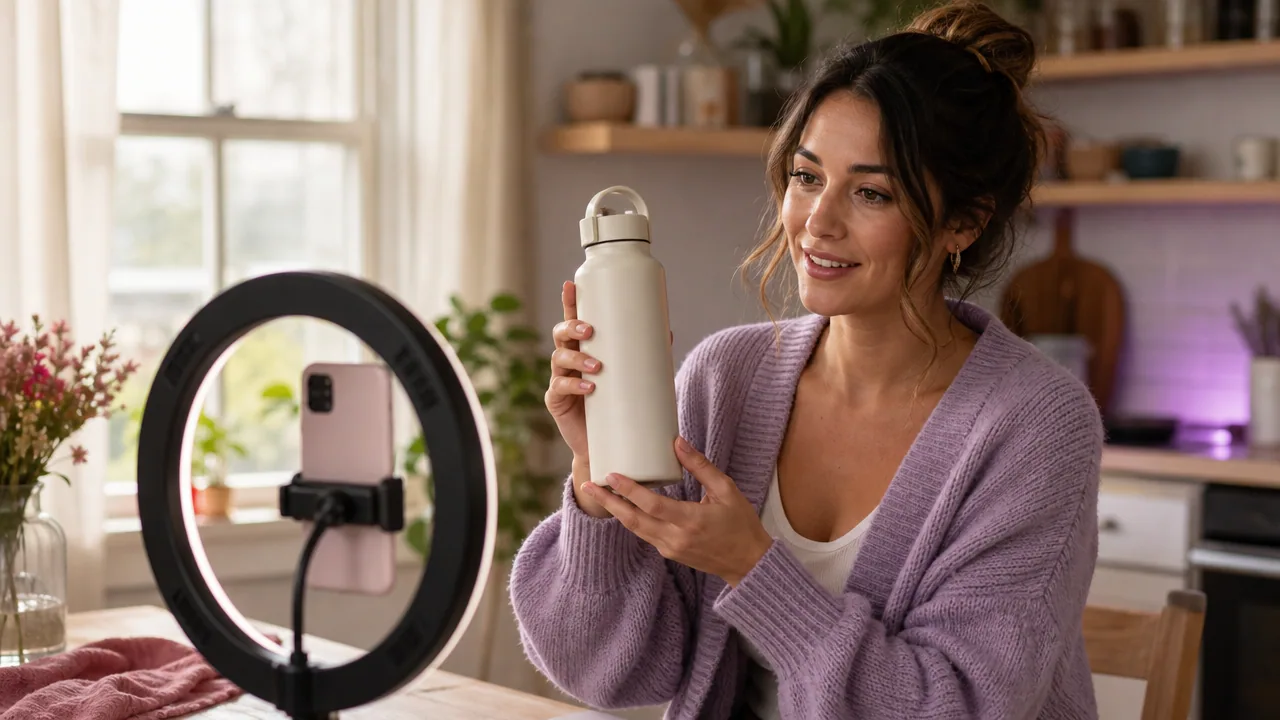
Actor and setting. An everyday person in a bright kitchen or heading out the door reads as more believable than a studio. The actor should look like the buyer, not like a spokesperson.
Storyboard. Four beats: the hook on the person holding the bottle, a reveal as they open and pour, a benefit shot of the sealed lid in a bag, and the call to action on the product in hand.
Generate, caption, review. Render the clip in vertical 9:16 for feeds, add captions for silent viewing, then watch it on a phone. If the pour looks awkward or the hook drags, that is a note for the next pass.
Iterate. Swap the hook for a different opening line, or change the actor, and generate a second version. You can run this whole loop and create an AI UGC video from a product URL without booking a shoot, which is what makes testing several angles realistic.
what your finished output should look like
A finished ad from this workflow is a short, self-contained video clip, not a raw asset you still have to assemble. Expect roughly the following:
- A vertical 9:16 or square 1:1 video sized for paid social.
- An AI actor delivering the hook and script in a believable setting.
- On-screen captions synced to the audio for silent viewing.
- The product shown clearly at least once, ideally in use.
- A plain call to action at the end.
Because the workflow supports more than 20 output languages, the same script and storyboard can be produced for different markets without rebuilding the ad from scratch.
common mistakes that flatten ai ugc
A few patterns show up again and again and drain the realism out of an otherwise fine clip.
- A hook that starts with the brand. Opening with your name or logo signals an ad in the first frame. Open with the viewer's problem or a result instead.
- Script that reads like a landing page. Written copy and spoken lines are different. If the actor would not say it to a friend, cut it.
- An actor who does not match the buyer. A polished presenter can undercut a product meant to feel everyday.
- No captions. Silent autoplay is normal, so a clip that relies on sound loses most of its viewers.
- One version and done. The value of an AI workflow is volume of variations. A single ad is a guess, not a test.
- Overreaching claims. Promised outcomes, invented stats, or fake testimonials are both a trust problem and a compliance problem.
troubleshooting off-brand or weak results
When a render comes back weak or off-brand, the fix is usually upstream. Work back through the steps rather than regenerating blindly.
- The clip feels like an ad, not a person. Rewrite the hook and script in plainer, spoken language and choose a more ordinary setting.
- The actor or room feels wrong. Change the actor to match the buyer and pick a setting where the product is actually used.
- The product is unclear. Add or lengthen the reveal beat in the storyboard so the item is on screen long enough to register.
- Captions are hard to read or out of sync. Shorten caption lines and re-time them to the delivery.
- Every version looks the same. Change one variable at a time, the hook or the actor, so you can tell what actually moved the result.
- The ad does not fit the placement. Regenerate in the right format, 9:16 or 1:1, rather than cropping a finished clip.
Paid social platforms also have their own review and formatting expectations, and those change over time, so check the current guidelines in your ad account before you assume a rejection is the creative's fault.
Ready to run the loop? Pick one product, write one hook, and generate your first draft, then change a single variable and make the next. The workflow is built to be repeated, and that repetition is where useful creative comes from.
Frequently asked questions
How long does it take to make a UGC ad with AI?
Most of the time goes into the decisions, not the render: choosing an angle, writing a spoken hook and script, and picking an actor and setting. Once those are set, generating the clip and adding captions is the fast part. Building several variations of one product tends to be quicker than the first, since you are only changing one element at a time.
Do I need a real creator or actor to make these ads?
No. The workflow uses AI actors to deliver the hook and script, so you do not have to cast, brief, or schedule a person. The actor should still be chosen to look like your buyer rather than a polished spokesperson, since that match is what keeps the clip believable.
What video formats and languages does UGCfy AI support?
The current site supports vertical 9:16 and square 1:1 output, which covers the common paid social placements. The workflow also supports more than 20 output languages, so the same script and storyboard can be produced for different markets without rebuilding the ad.
Will an AI UGC ad get approved by ad platforms?
No tool can guarantee approval. Each paid social platform runs its own creative review and sets its own formatting rules, and those rules change over time. Keep claims honest, avoid invented stats or testimonials, and check the current guidelines in your ad account before running the creative.
How many ad variations should I make?
More than one. A single ad is a guess. The reason to use a repeatable AI workflow is to produce several versions and change one variable at a time, usually the hook or the actor, so you can tell which change moved the result rather than guessing.