NEW100 realistic AI UGC actors just landed — pick yours
UGCfy AI

MakeUGC review for AI UGC ad teams

A practical MakeUGC review for marketers comparing its script-to-video flow, AI avatars, product-in-hand scenes, pricing checks, and a product-link UGC workflow alternative.

Feature-by-feature review
Pricing checked July 2026
UGCfy AI alternative

Updated July 11, 2026. Reviewed by UGCfy AI Editorial using official MakeUGC product and feature pages, pricing checks, and workflow-fit analysis.

MakeUGC verdict

MakeUGC is a focused AI creator-video tool. The main choice is whether your team starts from a finished script and avatar direction, or from a product page that still needs its ad angle and brief.

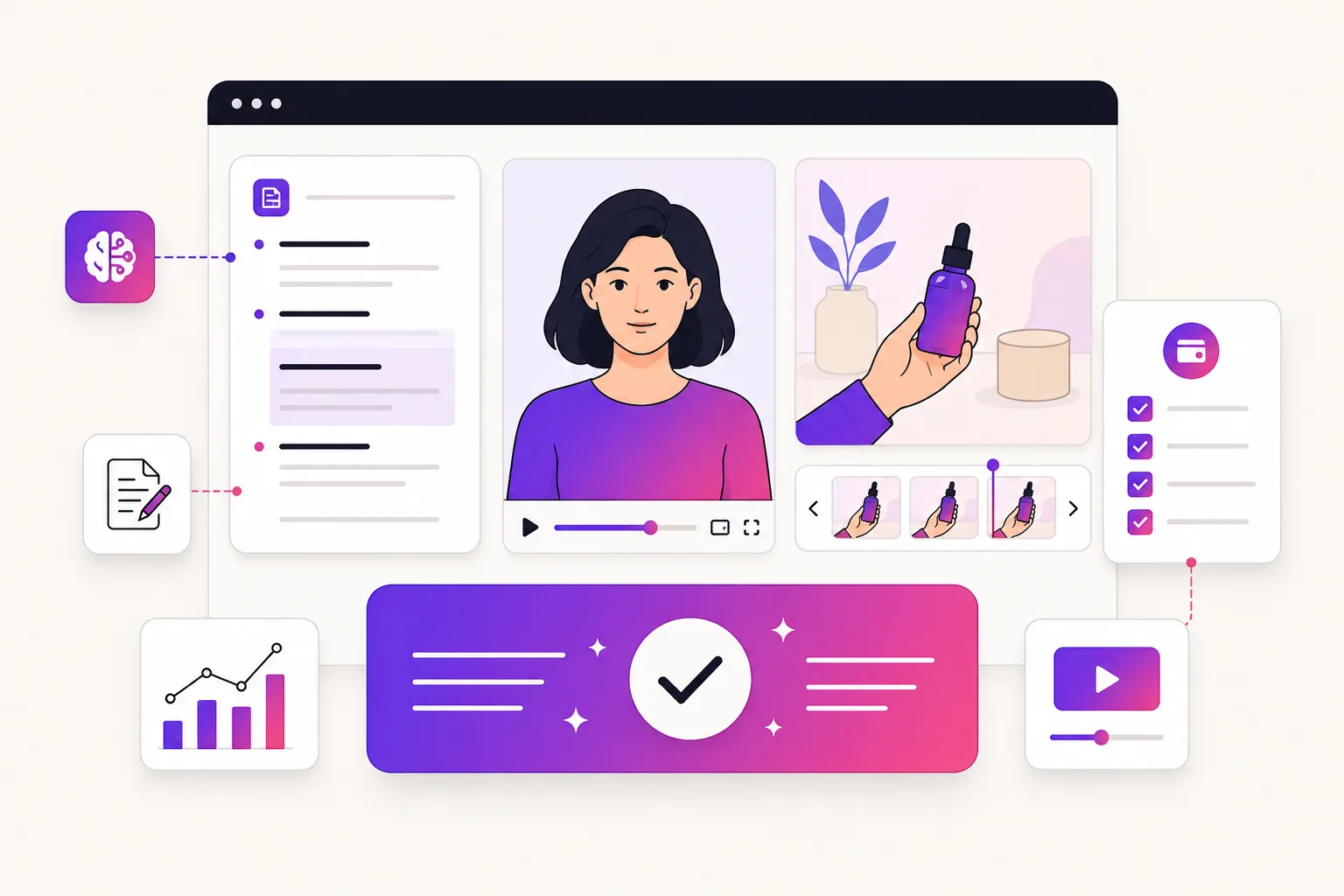
Illustration of a MakeUGC review workspace with an avatar, script, product scene, and pricing checks

Bottom line

MakeUGC is strongest for turning an existing message into creator-style video. UGCfy AI is stronger when a product page must become the brief for repeated UGC ad tests.

1

Best for script-led avatar videos

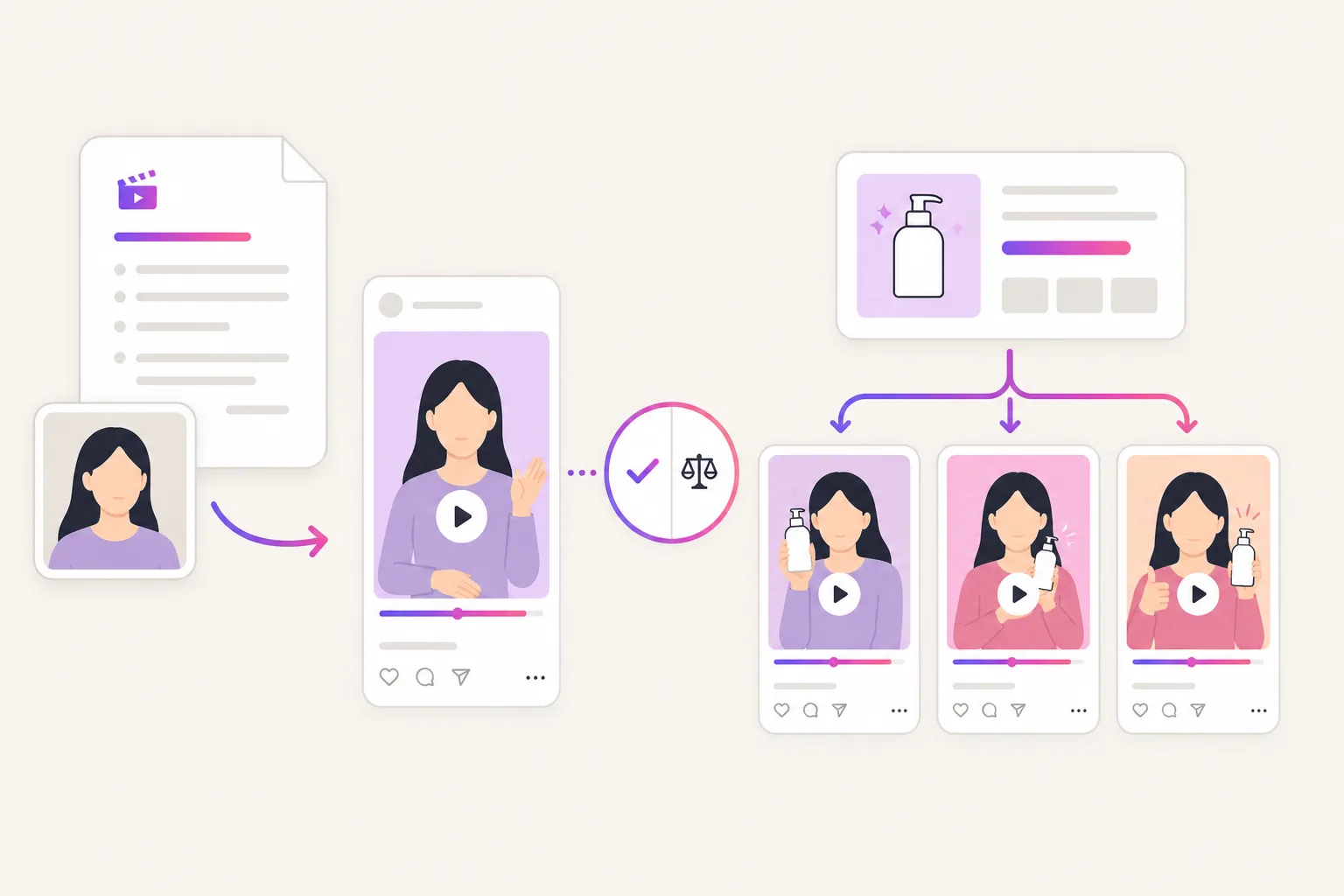
MakeUGC publicly presents a straightforward flow: write or generate a script, select an avatar, and generate a video. Its feature pages also highlight scenes, talking-head videos, languages, and AI creators holding products.

2

Useful when the creative brief is already clear

It is a sensible fit when a team already has approved copy and needs to explore creator, scene, and delivery options without arranging a production shoot.

3

Choose a product-led flow when the page is the brief

If the starting point is a Shopify, Amazon, or product page and the team still needs claims checked, hooks, scripts, actors, captions, and export variants, UGCfy AI is more purpose-built for that sequence.

MakeUGC vs UGCfy AI

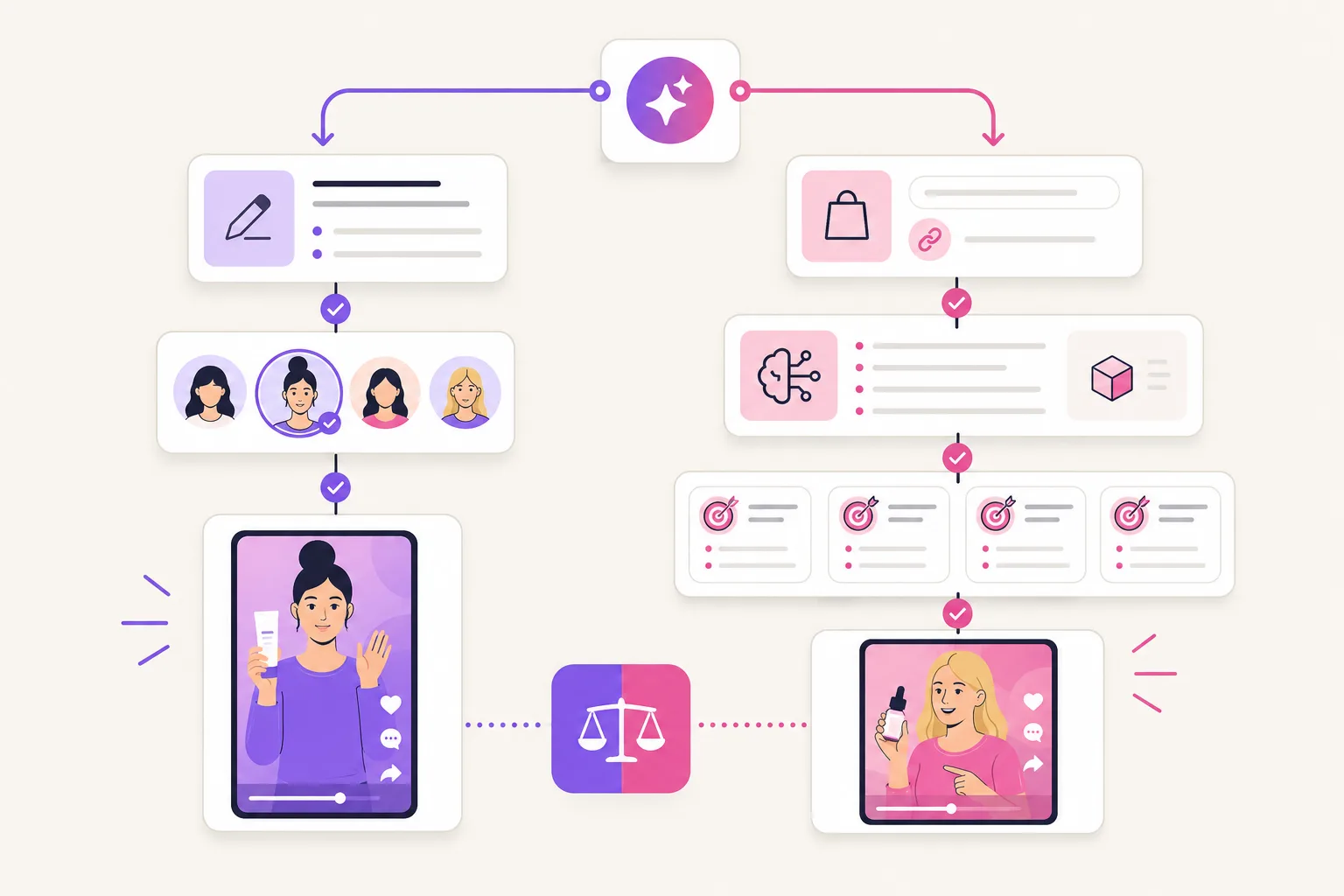
Both can help make creator-style ads. The practical difference is whether your workflow starts with a script and avatar choice, or with product research and a product-link creative brief.

Decision pointMakeUGCUGCfy AI

Core job

Turn a written or AI-generated script and selected avatar into a creator-style video.

Turn a product link into UGC hooks, scripts, AI actors, captions, and TikTok or Meta-ready ad videos.

Best starting input

Best when the team already knows the message, creator direction, and scene it wants to test.

Best when the product page is the brief and the team wants help extracting benefits, objections, and ad angles.

Actor and scene workflow

Public pages highlight AI avatars, talking-head output, multiple scenes, languages, and an option for creators to hold a product.

Focuses AI actors on product demos and testimonial-style ads generated from product information and short-form UGC scripts.

Script workflow

The public flow starts with entering or automatically generating a script before selecting an avatar.

Uses the product page to create hook-first UGC scripts around product claims, buyer objections, and product images.

Creative testing

Useful when testing different actors, scenes, and delivery against an approved concept.

Useful when testing multiple product angles before briefing creators or scaling spend.

Pricing decision

Confirm the current plan, credits, model usage, exports, and renewal terms inside MakeUGC before buying.

Plans are listed publicly with credits, seats, scene estimates, commercial rights, and refund policy on the pricing page.

MakeUGC pricing checks before you buy

The MakeUGC product page displayed a $1 start offer when this review was checked on July 11, 2026. Treat promotions as temporary and verify the live checkout price.
That page listed a Start plan at $59 per month with 500 monthly credits. Confirm the current renewal price and allowance before subscribing.
Check how each selected image or video model consumes credits, because a plan's credit total is not the same as a finished-ad total.
Confirm which export resolution, parallel-generation, language, and creator options are included in the plan you intend to use.
Compare the cost of approved variants after re-renders, revisions, and creative experiments, rather than comparing headline plan prices alone.
Keep web-app plans separate from API plans if your team needs a production integration or high-volume automation.

When to choose each tool

This MakeUGC alternative page is not saying every team should switch. Use the starting material and the required production job to decide.

MakeUGC

Choose MakeUGC for script-first creator videos

MakeUGC fits teams that already have approved messaging and want to pair it with an AI avatar, scene, language, or product-in-hand presentation.

UGCfy AI

Choose UGCfy AI for product-link ad creation

UGCfy AI is a better fit when the product page is the source of truth and the team needs analysis, hook ideas, UGC scripts, actors, captions, and exports in one path.

Both

Use both for separate production jobs

A team can use MakeUGC for approved script-to-avatar production and UGCfy AI for repeatable product-link UGC ad testing.

Illustration of a decision flow comparing script-led AI avatar production and product-link UGC ad generation

Sources checked for this review

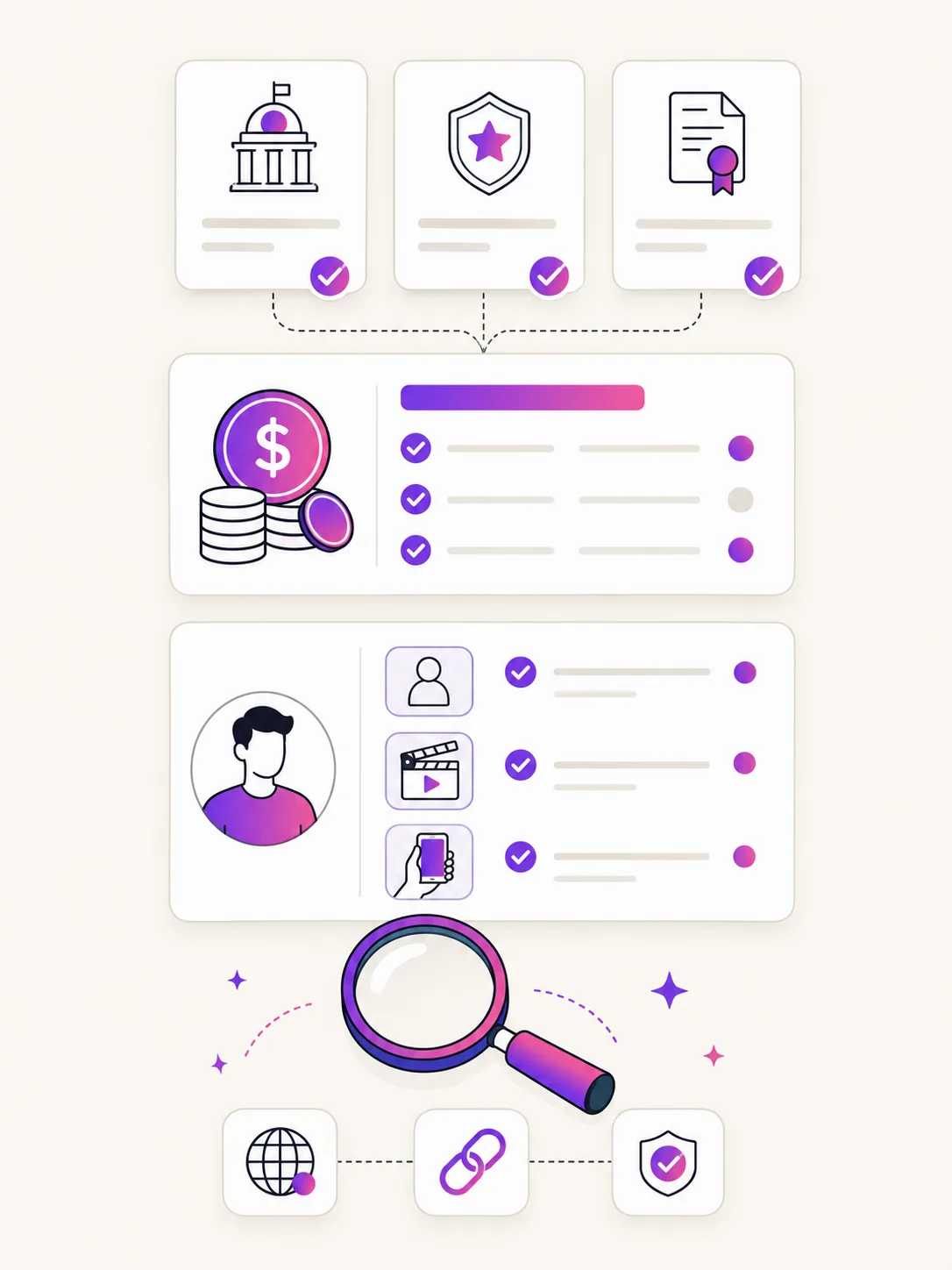
MakeUGC-related claims on this page come from public official pages checked on July 11, 2026. Pricing, promotions, and credit consumption should still be confirmed at checkout.

Illustration of a MakeUGC review evidence board with product, feature, and pricing sources

Review methodology

We distinguish feature statements on official product pages from details that can vary by plan, promotion, generation model, or checkout configuration.

Checked official MakeUGC product and feature pages first.

Separated public workflow claims from current pricing assumptions.

Compared workflow fit against UGCfy AI's product-link flow.

Kept recommendations centered on use case, not a generic ranking.

MakeUGC review FAQ

Comparing AI UGC tools?

Send the product category and the workflow you need to replace. We can help map the first test.

Contact us
What is MakeUGC?

MakeUGC is an AI creator-video platform. Its public workflow starts with writing or generating a script, selecting an AI avatar, and generating a creator-style video; its feature pages also describe scenes, talking-head videos, languages, and product-in-hand options.

Is MakeUGC good for UGC ads?

MakeUGC can be a good fit for UGC-style ads when your team already has a script or approved concept and wants AI-avatar execution. For a product-link workflow that first extracts product angles, hooks, and scripts, UGCfy AI is more focused.

How much does MakeUGC cost?

When checked on July 11, 2026, the MakeUGC product page listed a $59 per month Start plan with 500 credits and displayed a $1 start offer. Prices, promotions, and per-model credit usage can change, so verify the current checkout before buying.

Can MakeUGC show an AI creator holding a product?

Yes. MakeUGC's official features page describes an option for AI creators to hold a product, alongside scene and talking-head video options. Confirm the current plan and generation setup for the exact product treatment you need.

What is the best MakeUGC alternative?

The best MakeUGC alternative depends on your starting point. UGCfy AI is a focused alternative for teams that begin with a product link and need product analysis, hook-first UGC scripts, AI actors, captions, and paid-social exports in one flow.

Does UGCfy AI replace MakeUGC?

Not for every team. MakeUGC is useful for script-first avatar production. UGCfy AI is narrower and is built around turning a product page into repeatable UGC-style ad variants.

Try the product-link UGC workflow

If your team starts from a product page, test UGCfy AI before committing to a script-first AI creator-video workflow.