Creatify vs UGCfy AI
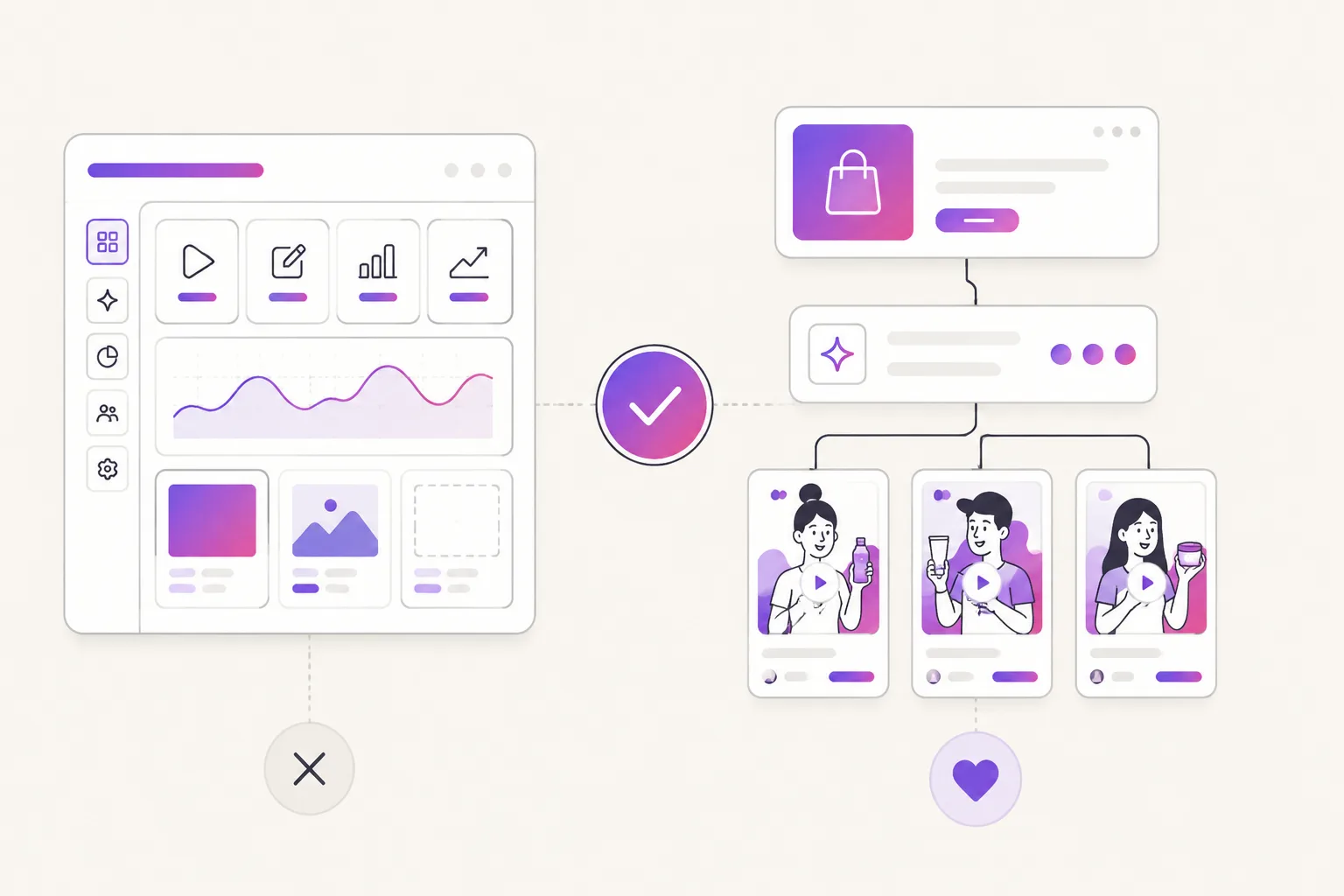
Both tools can start from product information. The decision underneath is whether your team needs a broad ad-creation suite or a focused loop for testing creator-style UGC ads.
Decision pointCreatifyUGCfy AI
Primary job
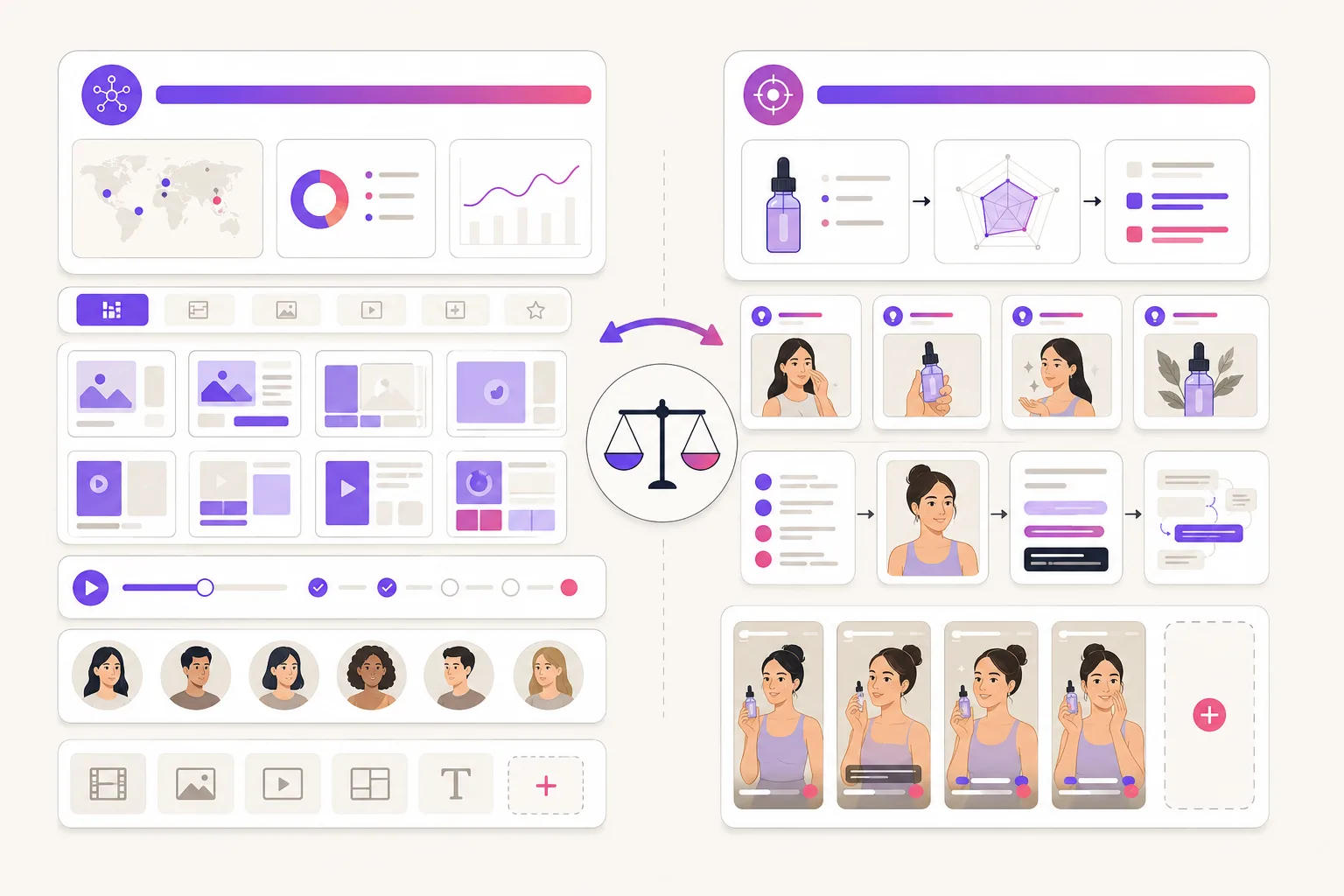
Run a wide set of AI ad workflows in one place: URL-to-video, AI actors, template libraries, media models, plus research and campaign tools.
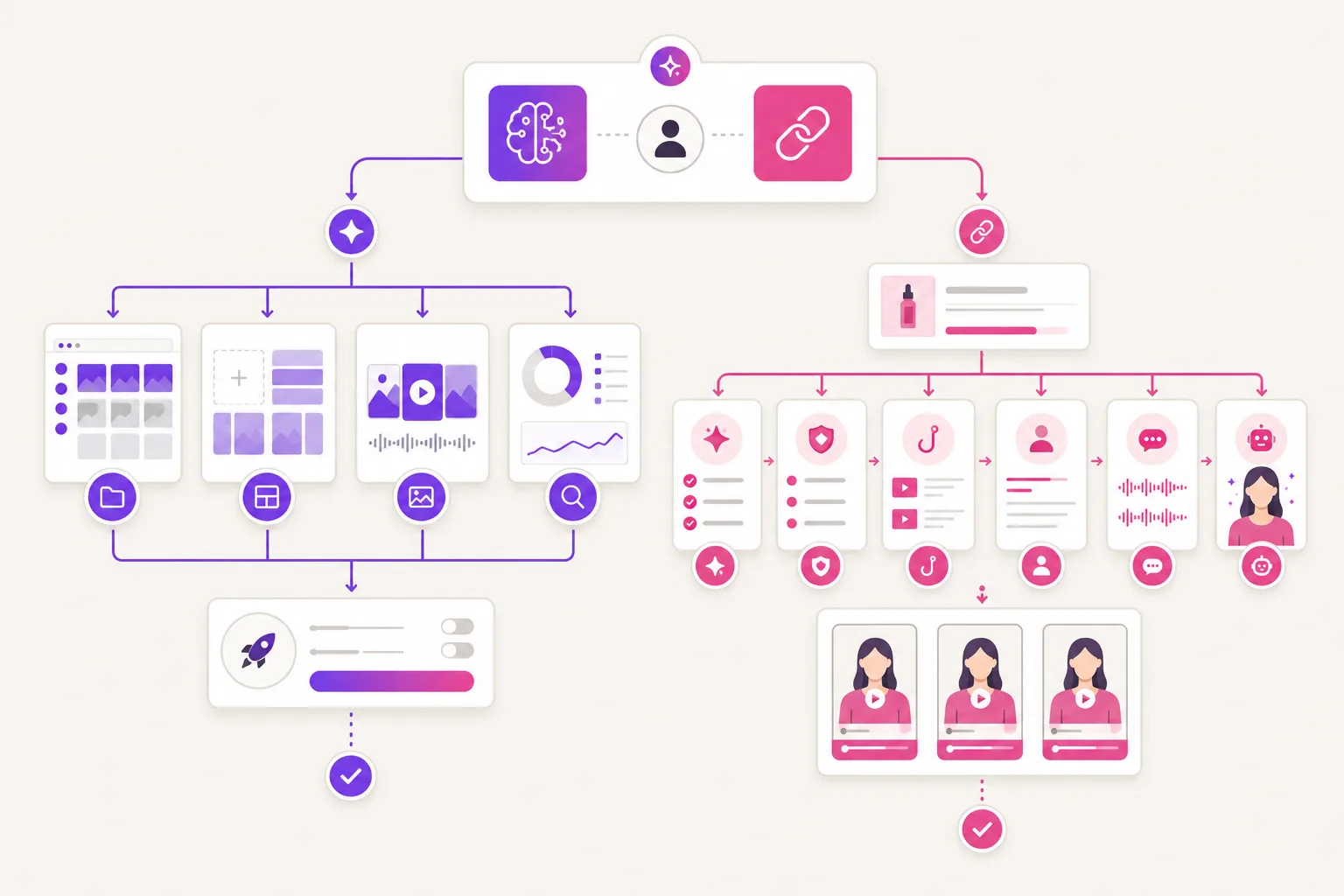
Turn a product link into hook-first UGC scripts, AI actor video, and captioned short-form variants built for paid-social testing.
Best starting brief
Suits teams that want a choice of input. A product URL, an image, a script or a template all work, with production controls layered on top.
Best when the product page writes the brief itself: benefits, claims, images, and the objections a buyer would raise.
Creative intelligence
Worth paying for when you want ad inspiration and competitor context sitting next to the generator, plus media-generation choices and campaign tooling.
Narrower on purpose. Product-aware scripting, creator-style delivery, caption-safe claims, then variants you can put head to head.
Team workflow
Fits a larger creative operation where one platform has to cover several production and campaign jobs.
Right when the bottleneck is getting a few product-specific UGC angles out this week, before anyone adds more production complexity.
Using both products
Keep Creatify when its research or campaign tools are part of the job your team cannot drop.
Run UGCfy AI alongside it when the product-link brief and fast creative refresh are a separate workflow. Nothing imports.
Price and rights check
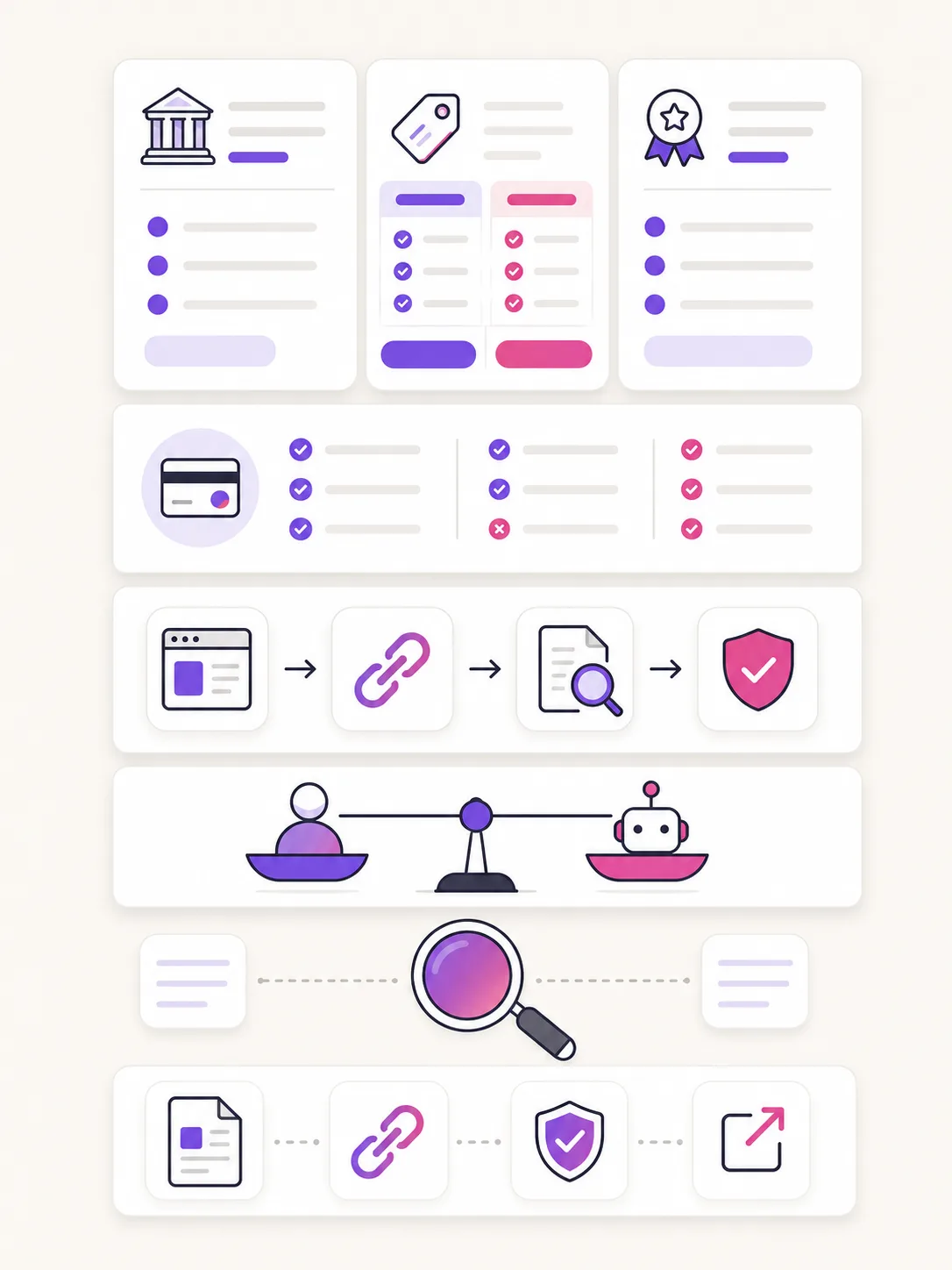
Verify on the live plan: credits, actor and template limits, seats, premium model access, ad-intelligence tiers, export rules, commercial terms.
Check current credits, scene estimates, seats, commercial-use scope and refund terms against the number of product-led variants you need.