Vidnoz vs UGCfy AI
Compare the job first, then the credit math.
Decision pointVidnozUGCfy AI
Core job
Create avatar-led videos from templates and scripts across training, e-learning, explainer, marketing, and support use cases, with translation and voice tools in one suite.
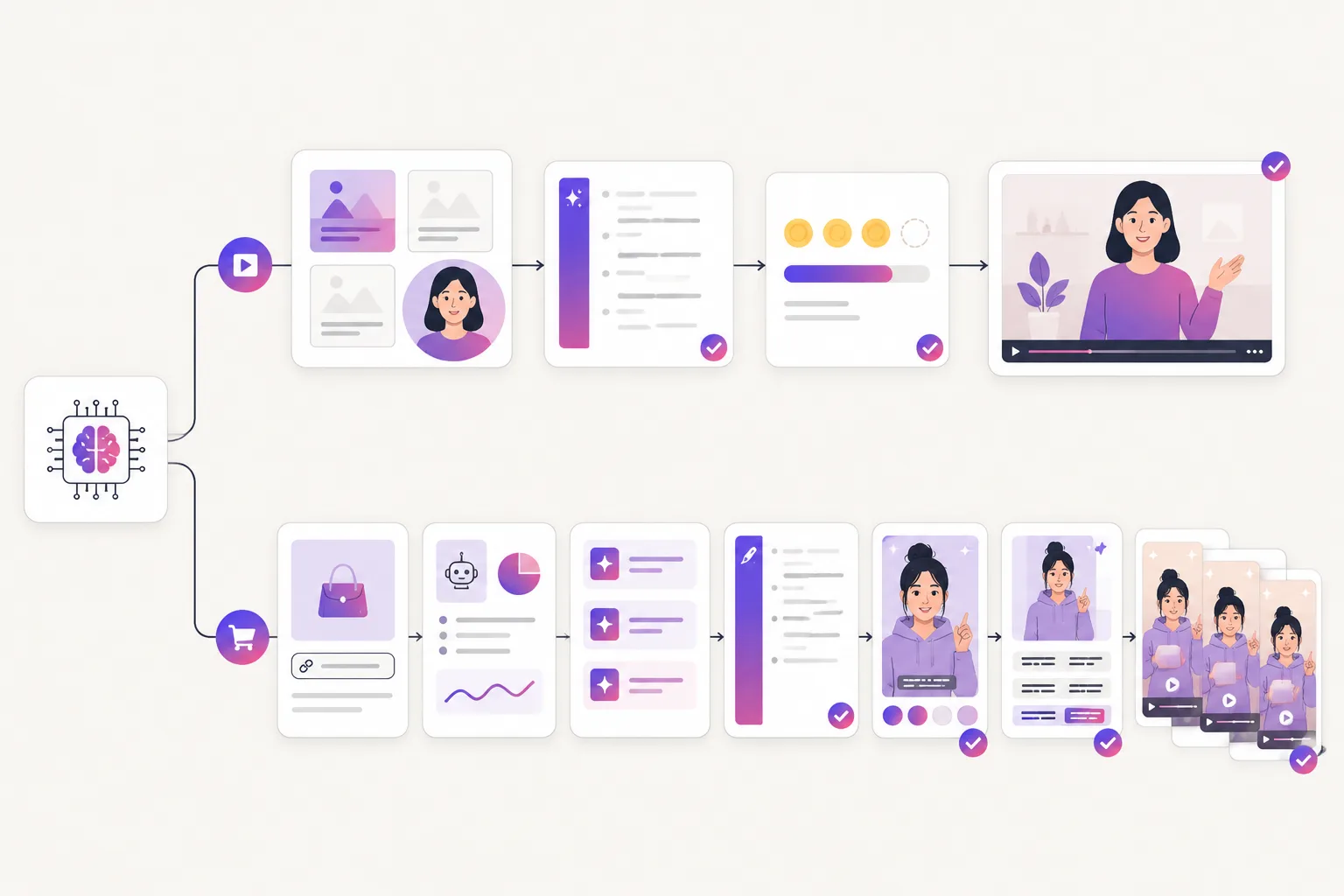
Turn a product link into creator-style UGC ads with product-aware hooks, scripts, AI actors, captions, and short-form variants.
Best starting material
Works well when you already have a script or presentation and want a presenter avatar to deliver it from a template library.
Works best when a product page is the brief and the team wants benefits, images, objections, and claims turned into ad angles.
Product input
Offers a product-avatar feature that starts from a product image. There is no product-URL ingestion, hook generation, or ad-variant batching in the published workflow.
Starts from the product URL itself: benefits, images, and objections are extracted automatically and turned into hooks and scripts.
Paid social usage
The pricing table lists a commercial license, and free-tier output carries a watermark. The published terms do not detail paid-promotion rights, so verify the current terms for ads before publishing.
Built for paid-social UGC workflows. Confirm the current UGCfy plan and terms for your intended commercial use before publishing.
Creative testing
Template-first editing produces one video at a time; hook and angle variations mean writing new scripts and regenerating, with richer avatars consuming credits faster.
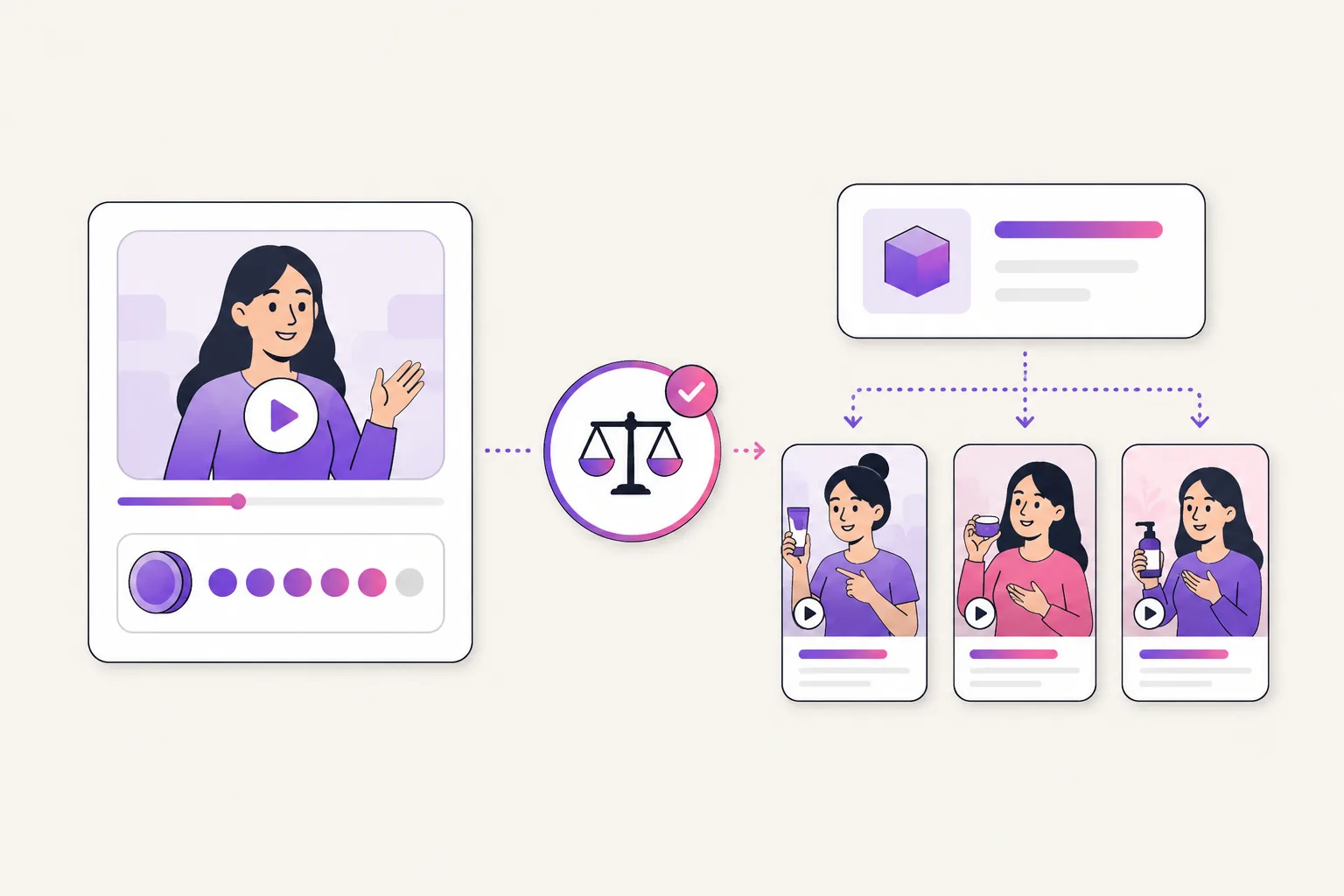
Useful when a team needs multiple product-specific hooks, demos, routines, testimonials, and CTA variations before deciding which paid ad angle deserves spend.
Cost check
Check the live credit rates per avatar type, daily free-credit limits, watermark and resolution rules, rollover policy, and renewal terms across Vidnoz's separate product plans.
Compare credits, scene estimates, seats, commercial rights, and the number of usable ad variants your team needs on the current pricing page.