Pictory vs UGCfy AI
Compare the job, then the license terms.
Decision pointPictoryUGCfy AI
Core job
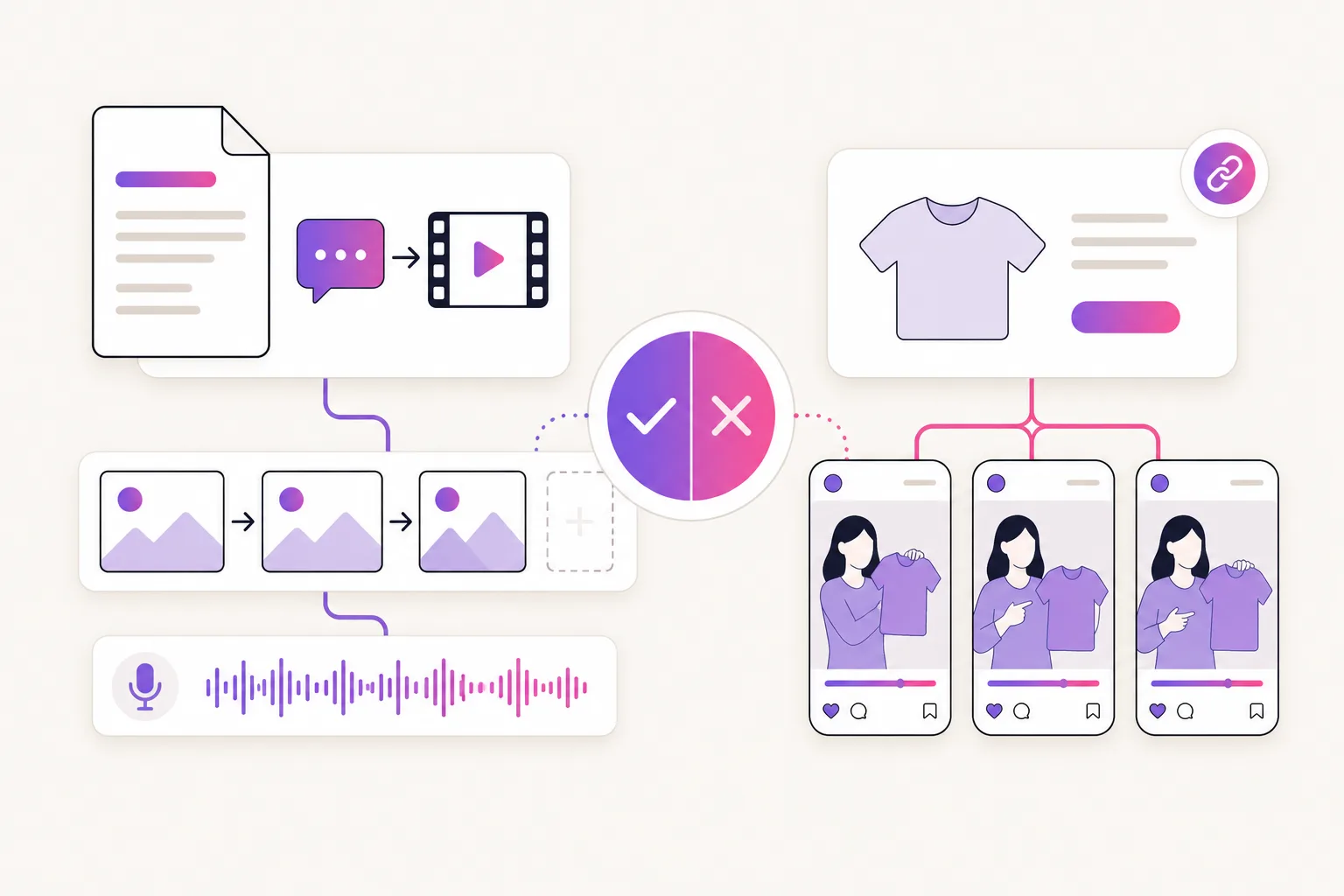
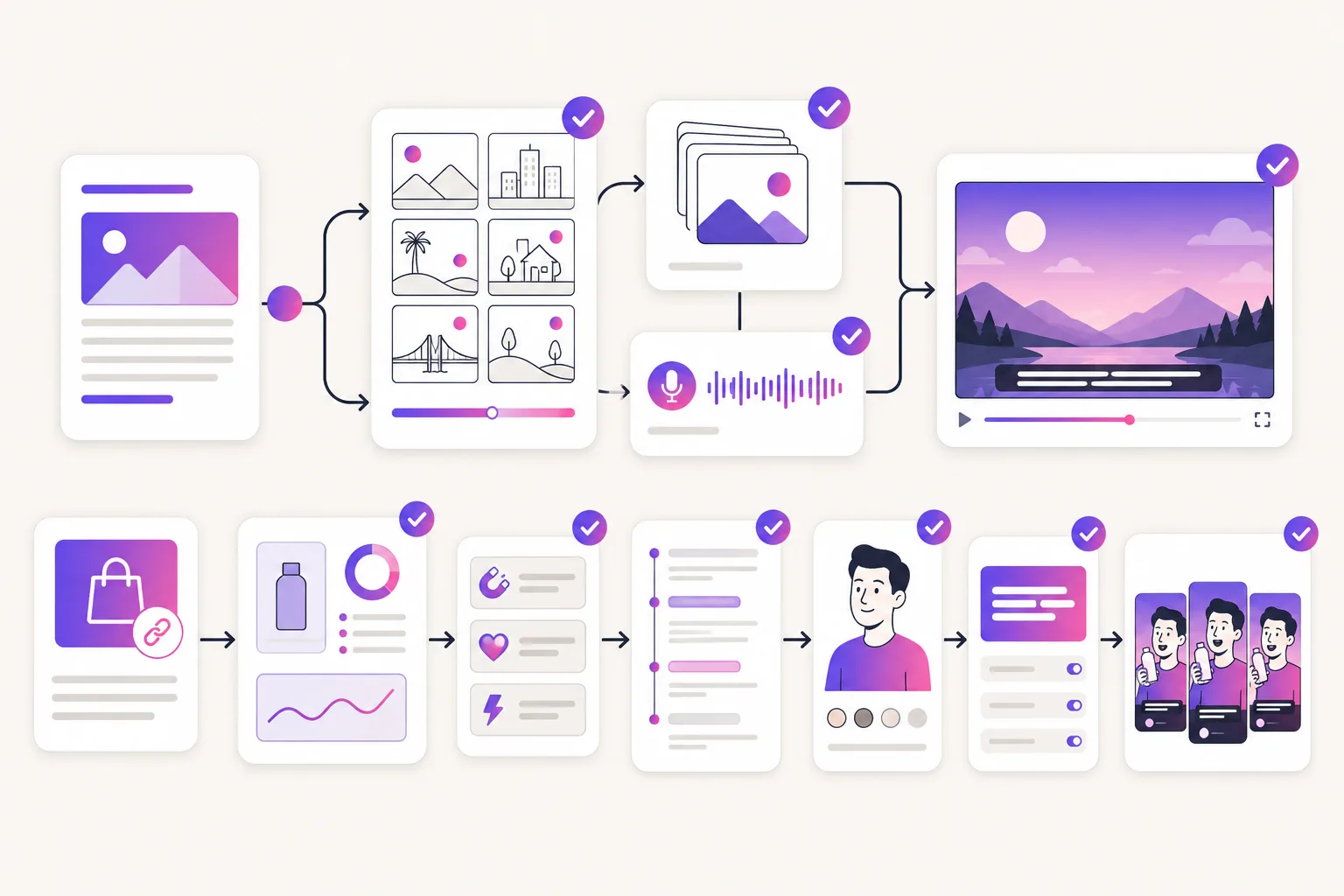
Turn scripts, articles, documents, and presentations into narrated videos with licensed stock footage and captions, and clip long recordings into social highlights.
Turns a product link into creator-style ads: hooks and scripts first, then AI actor delivery, captions, and short-form cuts.
Best starting material
Works well from existing text: a blog post, a training script, a webinar recording, or a document that needs to become watchable, captioned video.
Expects a product page, then works its benefits, images, objections, and claims into ad angles.
Product input
Its URL-to-video feature ingests blog and news articles in HTML. There is no product-page extraction, hook generation, or ad-variant batching in the published workflow.
Takes the product URL as input and reads it the way a shopper would, pulling out the benefit worth leading with and the objection worth answering.
Look and feel
Output is built from stock footage, stock music, and presenter-style avatars, which reads as polished explainer content rather than native creator video.
Built to feel like creator-shot UGC: AI actors, casual delivery, captions, and vertical formats designed for TikTok, Reels, and Meta feeds.
Creative testing
Useful when the goal is steady content volume from text sources; each new ad angle means a new script and consumes exported video minutes.
For teams that want a spread of hooks, demos, routines, and testimonial variations per product before committing ad spend.
Cost check
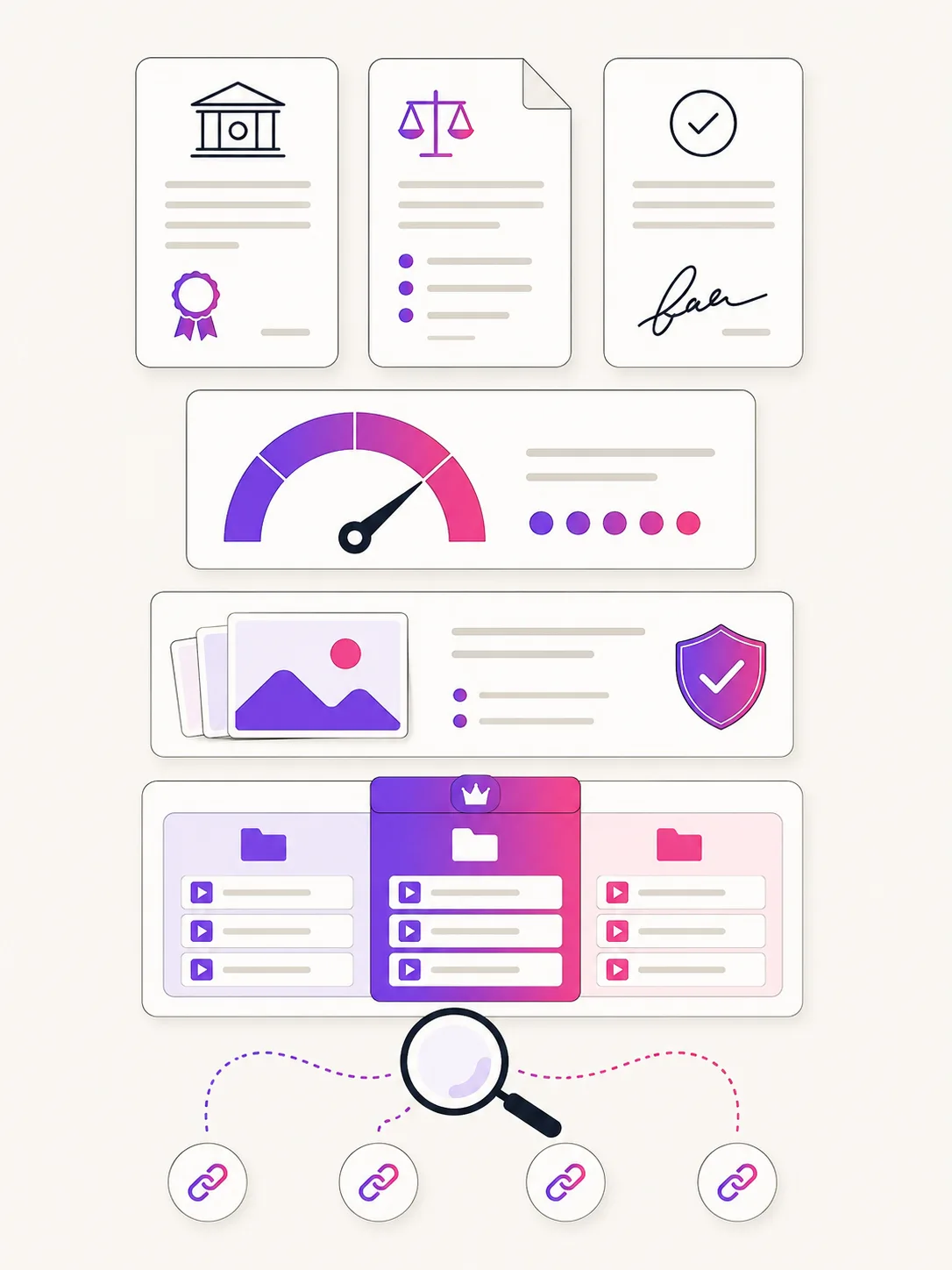
Check monthly exported-minute quotas and rollover rules, AI-credit allowances for generative visuals and avatars, which stock library tier your plan includes, and the trial's watermark and project limits.
Work out cost per usable variant from the published credits, scene estimates, seats, and commercial rights.