Vizard vs UGCfy AI
Six rows: what each tool needs as input, and what you are allowed to do with the output.
Decision pointVizardUGCfy AI
Core job
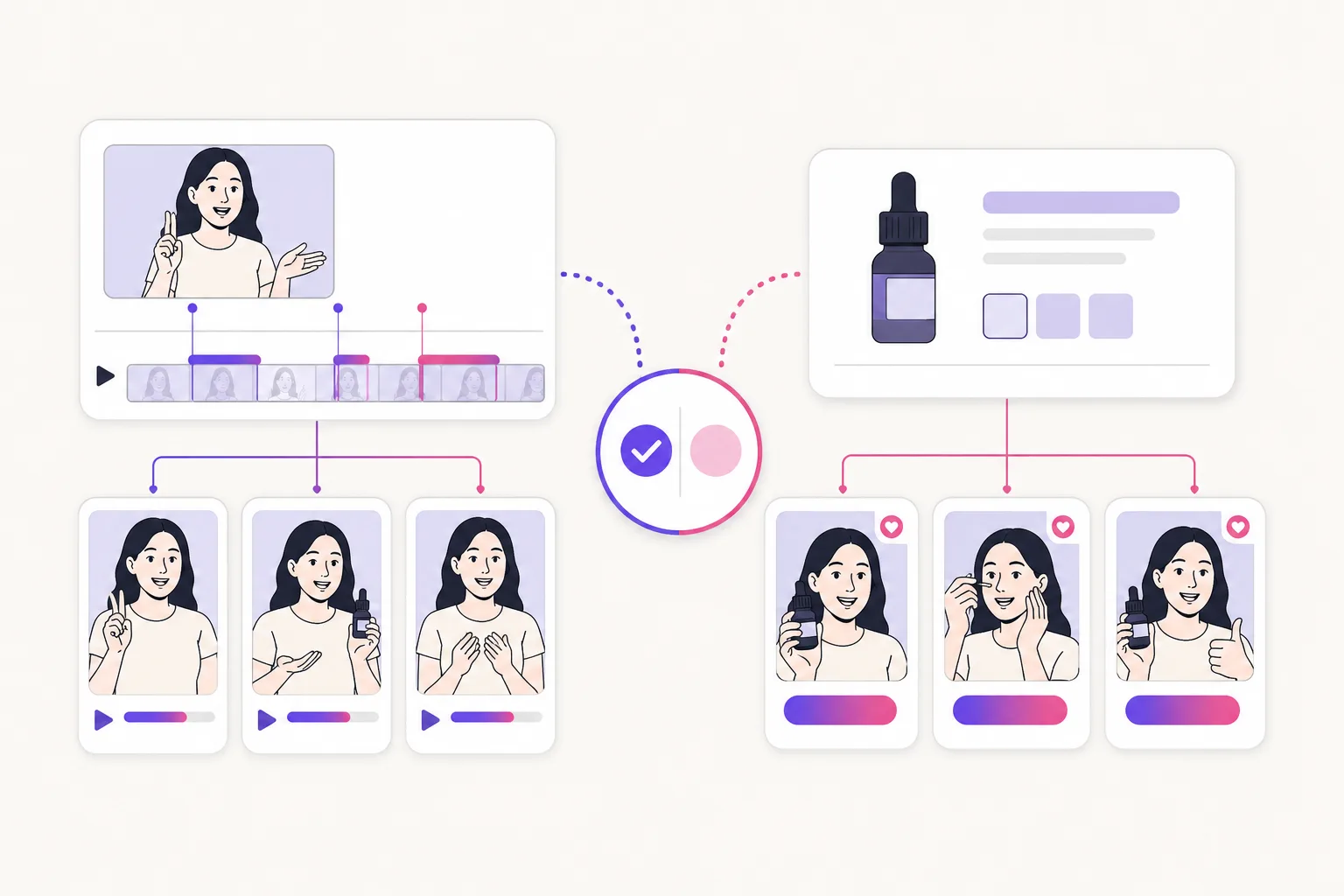
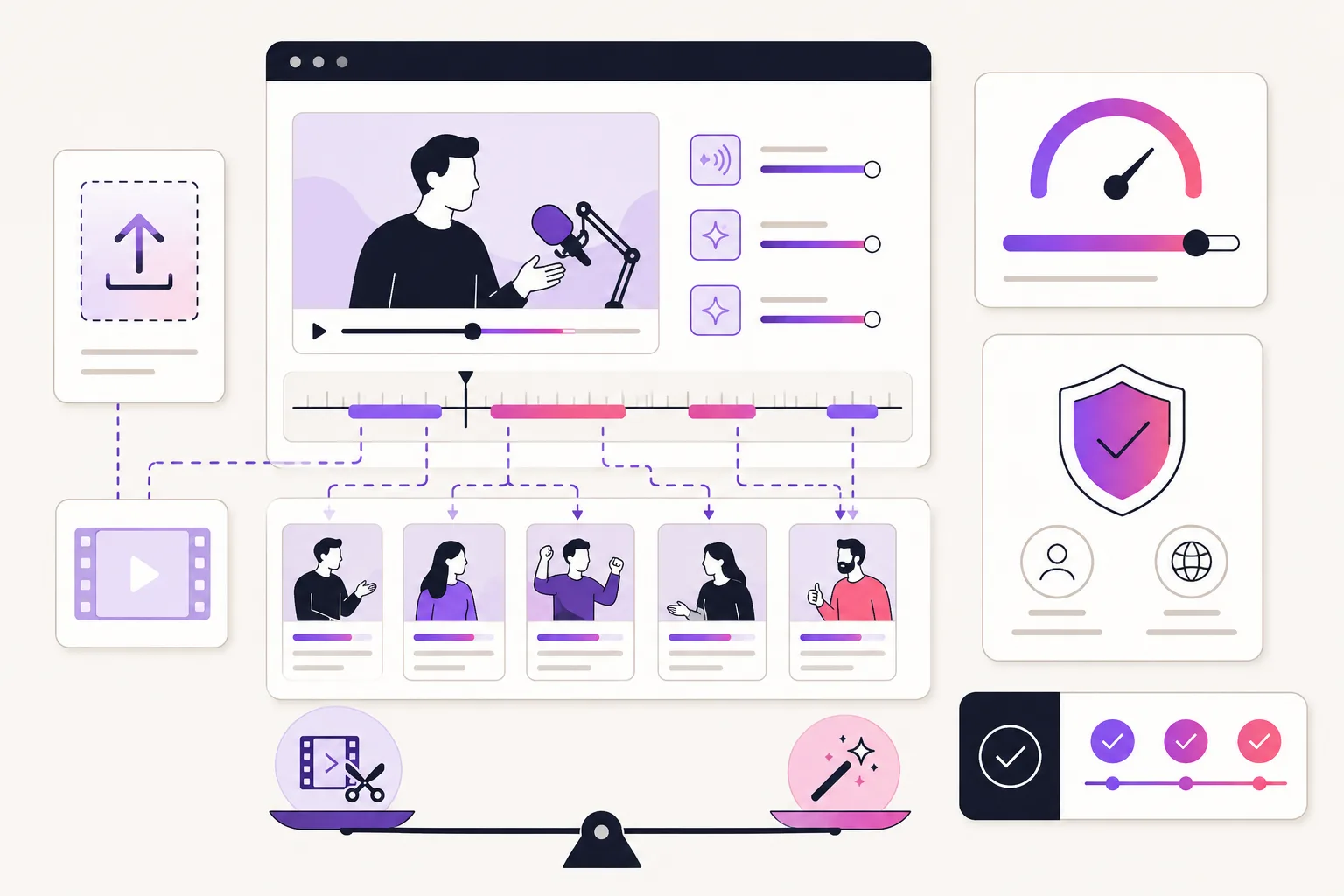
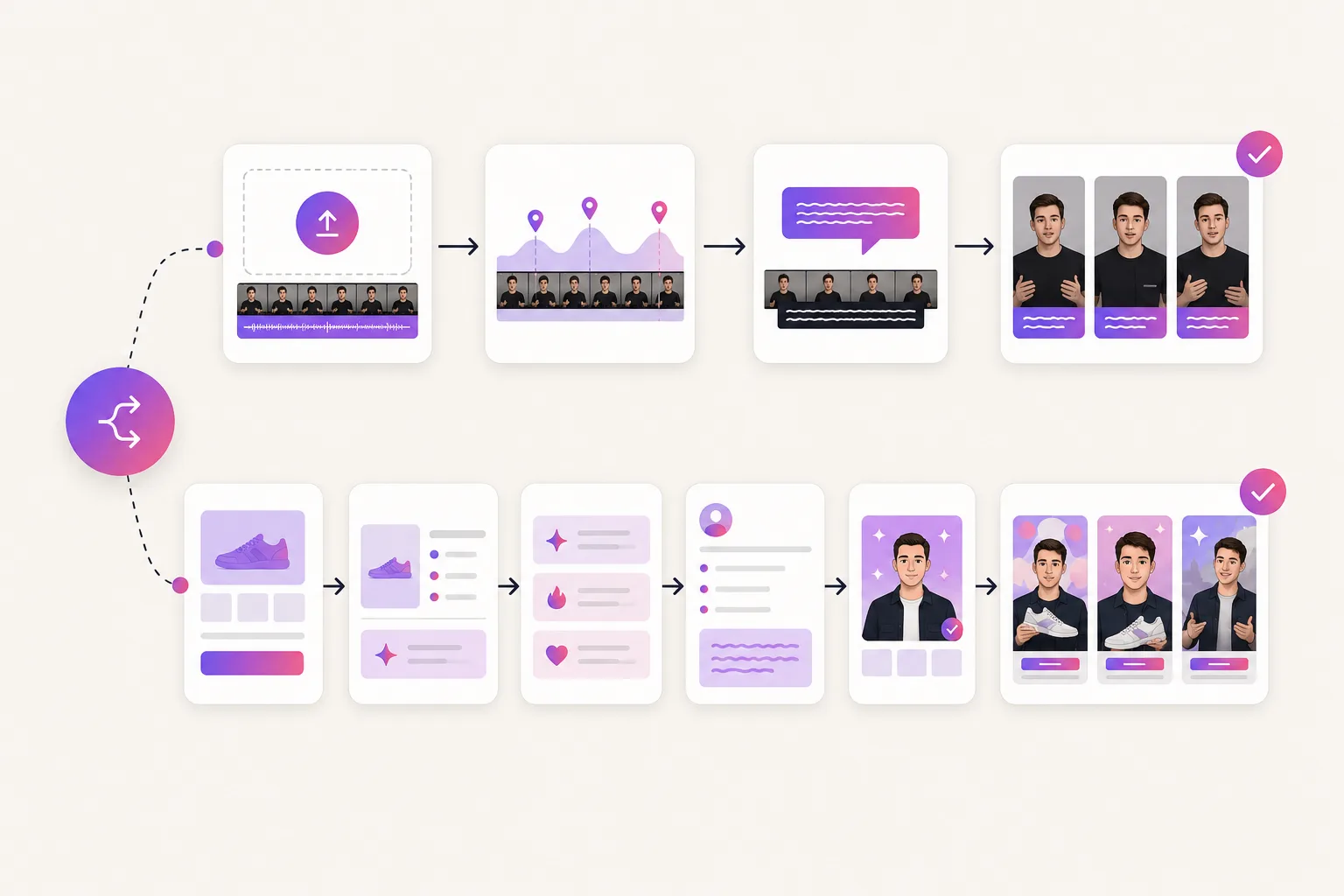
Turn long-form video into many short vertical clips: AI highlight detection, auto-reframing, captions, translated subtitles, direct publishing, and an API for automation.
Generates creator-style ads straight from a product link: hooks, scripts, an AI actor, captions, and short-form variants.
Best starting material
Requires existing long-form footage: podcasts, webinars, interviews, coaching sessions, and other dialogue-driven recordings you have rights to.
Works best when a product page is the brief and the team wants benefits, images, objections, and claims turned into ad angles; no source footage needed.
Net-new creation
The core product repurposes what you upload rather than generating new footage; there are no AI actors or scripted performances in the clipping workflow.
Generates net-new creator-style video: AI actors deliver product-aware scripts as vertical ad variants.
Paid social usage
The published terms leave rights responsibility with the user and include no explicit commercial-use grant for output, so paid usage depends on your rights to the source footage.
Built for paid-social UGC workflows. Confirm the current UGCfy plan and terms for your intended commercial use before publishing.
Creative testing
Variation comes from picking different highlights of the same recording; testing a new ad angle requires recording new source material first.
Suits testing-led teams: generate hooks, demos, routines, and testimonial variants per product, then fund only what performs.
Cost check
Check the live plan's monthly credit allowance, noting credits are consumed per uploaded minute regardless of how many clips you keep, plus the free-tier watermark and the caps on export resolution and storage.
Current credits, scene estimates, seats, and commercial rights are on the pricing page; price them per usable ad variant.