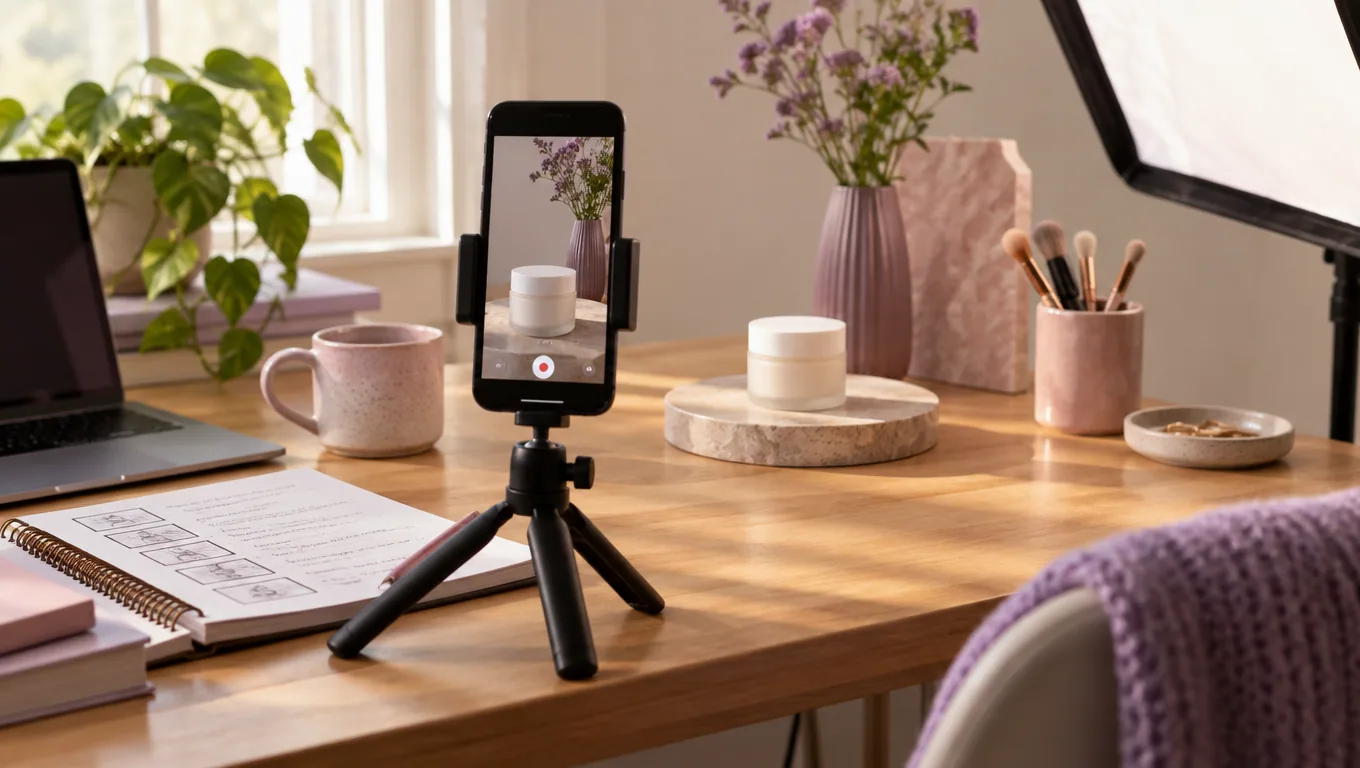
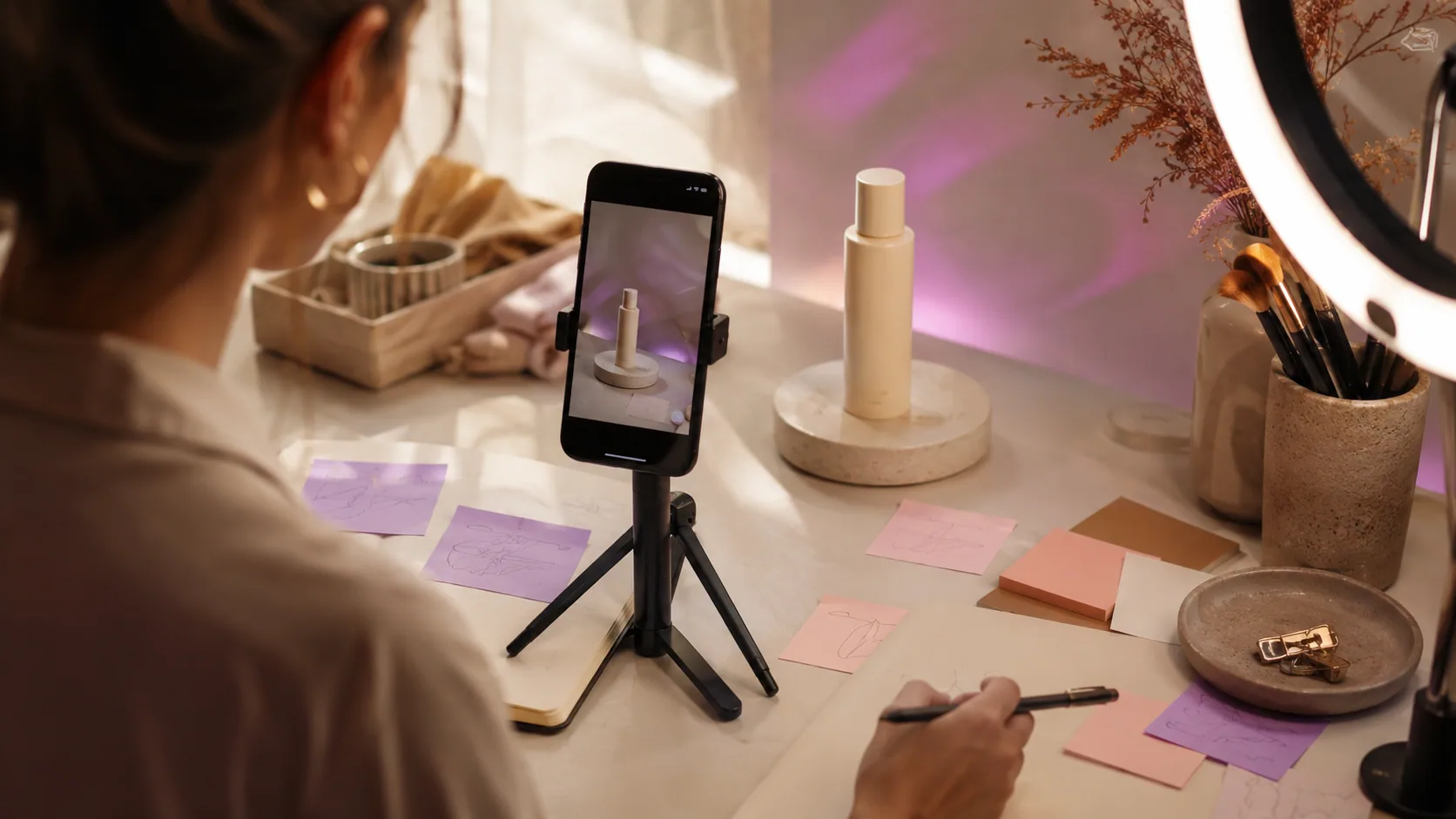
Shoppable Video: Turning Creator-Style Footage Into a Direct Path to Checkout
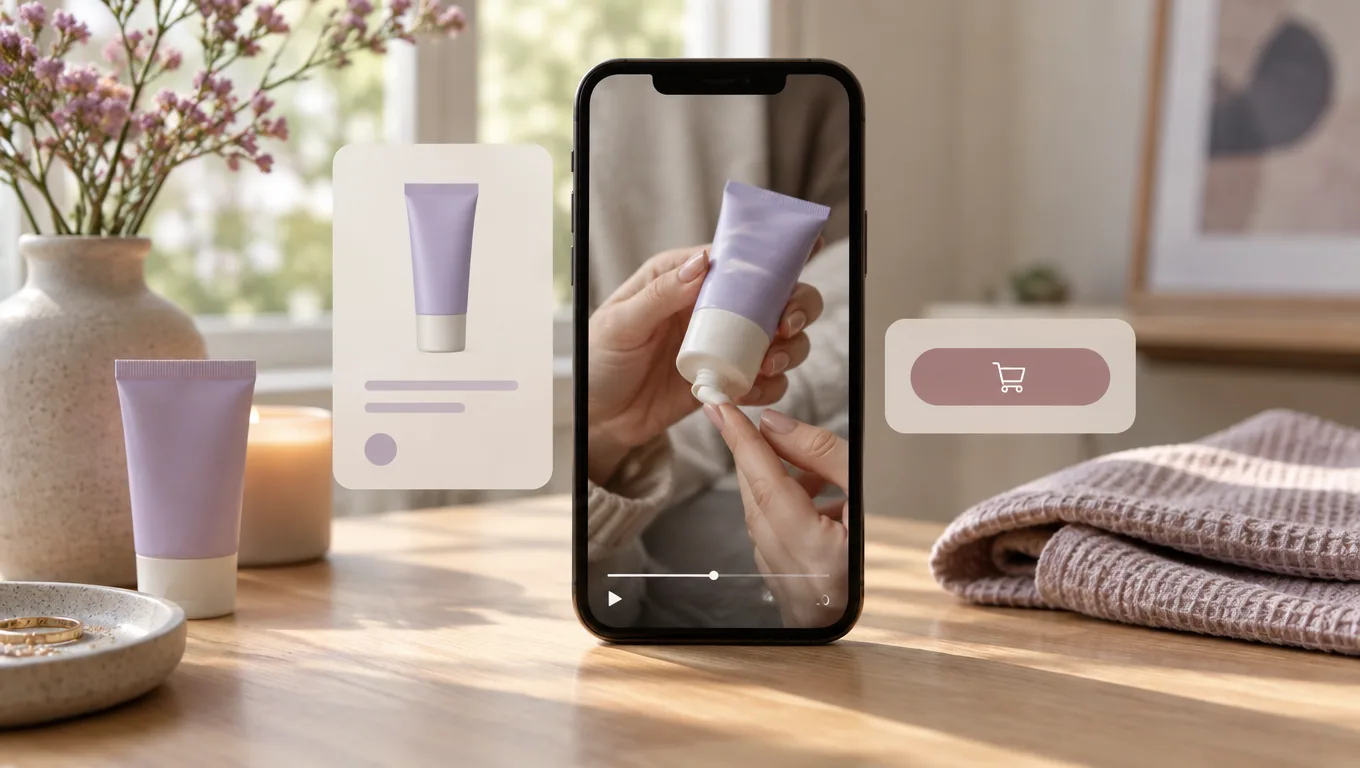
Shoppable video is pre-recorded video that carries product data inside the player. Variants, price, and an add-to-cart or buy control sit on top of or beside the footage, so a viewer can purchase without leaving the video. It is less an ad format than a commerce surface: the clip is the storefront, and the tap is the checkout entry point.
Short answer: Shoppable video attaches clickable product data to short vertical clips so viewing and buying happen in the same place. It runs on marketplace and platform placements as well as on-site players. The hard part is not the technology. It is producing enough short clips per SKU, refreshed as the catalogue turns, to keep those placements filled.
What separates shoppable video from a video ad
A video ad's job ends with a click that sends someone somewhere else. A landing page loads, the product has to be found again, the variant has to be chosen again, and the interest that the video built has to survive all of that. Shoppable video removes the handoff. The product data travels with the footage.
That difference changes what the footage has to do. A paid social video is optimised for stopping a scroll in a feed that is not about shopping. A shoppable clip usually appears when someone is already on a shopping surface, such as a product page, a marketplace listing, or a commerce feed, so the clip is less about interrupting and more about answering the question that stalls the purchase: scale, texture, fit, what it looks like out of the box.
Three terms get used interchangeably and are worth pulling apart:
- Shoppable video — pre-recorded footage with attached product data. Asynchronous, evergreen, reusable across surfaces.
- Live shopping — a real-time broadcast with product pinning. Different production model, different staffing cost, different failure modes.
- Interactive shoppable video — usually means the pre-recorded version with richer in-player controls: variant switching, multi-product hotspots, a cart that persists between clips.
Most catalogue work sits in the first and third categories. Live shopping is an event; shoppable video is inventory.
Where shoppable video actually runs today
Four surface types matter for most e-commerce teams, and each asks for something slightly different from the footage. Because platform placement rules change without notice, confirm current specifications on each platform's own documentation before you brief a batch, and date the spec sheet you work from.
Platform commerce feeds
Native shopping feeds inside shopping apps and platform storefronts show vertical video with products attached. These behave like discovery surfaces: the clip has to earn attention first and sell second, because the viewer is browsing rather than researching one item.
Marketplace placements
Amazon runs shoppable video placements across its store surfaces, including a dedicated shoppable video destination in its All Departments store area (fetched 18 September 2026). Marketplace footage tends to be the most literal: the viewer is close to a buying decision, so demonstration beats storytelling.
Social commerce
TikTok Shop links product catalogues to in-app video and ad placements, which makes creator-style footage the default look rather than a stylistic choice. If you are running product-linked campaigns there, the creative constraints are specific enough to plan around, and we cover them in the guide to TikTok Shop ads.
On-site players
Embedded video widgets on your own product and collection pages. This is where you have the most control and the least reach. It is also the surface that reveals your supply problem fastest, because every product page wants its own clip and an empty widget looks worse than no widget.
The supply problem nobody budgets for
Here is the part that gets underestimated in planning. A single hero video does not fill a shoppable surface. Each SKU wants its own footage, because the product data attached to the clip has to match what the viewer is watching. A generic brand film with a random product pinned to it reads as a mismatch, and mismatches kill trust at the exact moment the buy button appears.
Run the arithmetic on a modest catalogue. Two hundred active SKUs, two clips each so you can rotate before fatigue sets in, refreshed when the seasonal range turns over. That is hundreds of short videos a year for on-site placements alone, before you add marketplace variants, aspect-ratio crops, or language versions.
Neither traditional production route absorbs that load:
- Studio shoots batch efficiently but price per shoot day, not per SKU. Long-tail products never justify the slot, so the tail stays empty.
- Creator rosters produce the right look but introduce per-creator negotiation, shipping, turnaround, and revision cycles. Sourcing a creator for a £14 accessory rarely pencils out.
- Repurposed organic content helps at the margin but arrives unevenly and skews toward bestsellers you already have footage for.
The practical constraint on shoppable video is not creative taste. It is throughput at a unit cost low enough that filling the long tail is a rational decision.
Why creator-style footage is the native format

Shoppable placements put a purchase control in frame. That context makes polish a liability. Footage that looks like a commercial reads as an ad sitting next to a buy button, which invites scepticism. Footage that looks like a person holding the product in a normal room reads as a recommendation arriving at the moment you can act on it.
The credibility of the format comes from the impression that someone unaffiliated is showing you the thing. It is worth studying how creator-style creative patterns are built before you write briefs, because the details that make footage feel unstaged are specific and repeatable: handheld framing, real ambient light, one continuous demonstration beat, speech that does not scan like copy.
Practical patterns that translate well to shoppable surfaces:
- Unboxing — answers packaging, scale, and what actually arrives.
- Single-use demo — one job, start to finish, no montage.
- Wear or fit check — the question that drives most apparel returns.
- Comparison against the obvious alternative — useful on marketplace surfaces where the viewer is already comparing.
- Objection answer — one sentence naming the hesitation, then footage that resolves it.
If you generate creator-style footage rather than commission it, disclosure discipline matters. Do not present a synthetic presenter as a verified customer, and keep claims inside what the product can actually demonstrate. The distinction is laid out in more depth in our piece on making creator-style video without misleading viewers.
What shoppable video does not fix
The shopping controls do not rescue weak footage. A clip with a flat first second is an unwatched clip, and an unwatched clip with a cart attached is still an unwatched clip. Attaching product data raises the ceiling on a good video; it does nothing to the floor.
Other honest limits:
- Measurement is messy. In-player purchases, assisted conversions, and post-view sessions get attributed differently by surface. Decide on your definition of a shoppable-video conversion before launch, not after the first report.
- Catalogue hygiene becomes visible. If a variant is out of stock or a price is stale, the clip advertises the error.
- Vertical is not optional. Footage framed for horizontal placements loses its subject when cropped, and product-in-hand shots suffer most.
- Fatigue still applies. On-site players show the same clip to returning visitors. Rotation schedules matter more here than on paid surfaces where audiences refresh.
A decision framework for per-SKU video volume

Sort the catalogue before you commission anything. The right production route differs by tier.
- Tier the SKUs. Top sellers, mid-range, long tail. Count how many products currently have usable vertical footage. That gap number is your brief.
- Pick one surface to prove the format. On-site players are usually the fastest to instrument because you own the page and the analytics.
- Match route to tier. Hero SKUs justify commissioned creators or a studio day. Mid-range and long-tail products need a route that costs closer to nothing per clip, which in practice means templated or generated production.
- Standardise the shot list. Same beats, same length band, same framing rules across the tier. Consistency is what makes volume manageable.
- Test hooks separately from bodies. The first second is the variable that decides whether the shopping controls are ever seen. Keep the demonstration body stable while you rotate openings.
- Set a refresh trigger. New range, packaging change, or a measurable drop in engagement on the player. Not a calendar date.
If your acquisition mix already leans on Shopify traffic, the same footage library feeds both surfaces, and the planning overlap is worth mapping. Our guide to Shopify ads covers the paid side of that same asset pipeline.
Building the clip library without a shoot schedule
The operational goal is a repeatable pipeline: product in, several short vertical clips out, ready to attach to a listing or a player. UGCfy AI is built for that shape of work. The workflow starts from a product URL or a product brief and produces hooks, scripts, storyboards, AI actor scenes, captions, and ad-ready video outputs, with vertical 9:16 and square 1:1 formats and more than 20 output languages.
For shoppable placements specifically, that means you can generate several hook variants against one demonstration body, produce the long tail at the same unit cost as the bestsellers, and localise a clip set without re-shooting. It is designed for e-commerce brands, DTC teams, and agencies testing creator-style paid social ads, the same asset class shoppable surfaces consume.
What it does not do is decide which product deserves which story. That judgement is still yours, and it is what separates a filled catalogue from a converting one.
Start with the footage you are missing
Count the SKUs with no usable vertical clip. That number is your production brief. Then look through creator-style ad examples to pick the patterns worth templating, and generate the first batch from a product URL.
Frequently asked questions
What is the difference between shoppable video and live shopping?
Shoppable video is pre-recorded footage with product data attached, so it can be reused across product pages, marketplace listings, and commerce feeds indefinitely. Live shopping is a real-time broadcast with products pinned during the stream. Live shopping is an event with staffing and scheduling costs; shoppable video behaves like inventory you build once and rotate.
How long should a shoppable video be?
Short. Most shoppable placements are vertical and viewed in a browsing or comparison context, so one clear demonstration beat usually beats a longer narrative. Length limits differ by surface, so check the current specifications on each platform's own documentation before you brief a batch rather than assuming one length works everywhere.
How many shoppable videos do I need per product?
At least one per SKU you want to sell through a video surface, and ideally two or more so you can rotate before viewers on your own site see the same clip repeatedly. On a 200-SKU catalogue that is several hundred clips a year once you account for seasonal turnover, which is why production unit cost matters more than production polish.
Does creator-style footage work better than studio footage in shoppable placements?
Creator-style footage tends to fit the context better because the purchase control is visible in frame. Polished commercial footage next to a buy button reads as advertising; a person holding the product in a normal room reads as a recommendation. That is a contextual fit argument, not a performance guarantee — results depend on the product, surface, and offer.
Can AI-generated video be used for shoppable placements?
Yes, and it is often the only route that makes long-tail SKUs economical. The constraints are honesty and platform compliance: do not present an AI presenter as a verified customer, keep claims to what the product can demonstrate, and check the disclosure and creative rules for each surface you publish on.
What aspect ratio should shoppable video use?
Vertical 9:16 covers most shoppable surfaces, since commerce feeds and in-app players are built for full-screen mobile viewing. Square 1:1 is useful for embedded on-site widgets and grid layouts. Shoot or generate with the vertical frame as the primary, because cropping horizontal footage tends to lose the product-in-hand detail that does the selling.