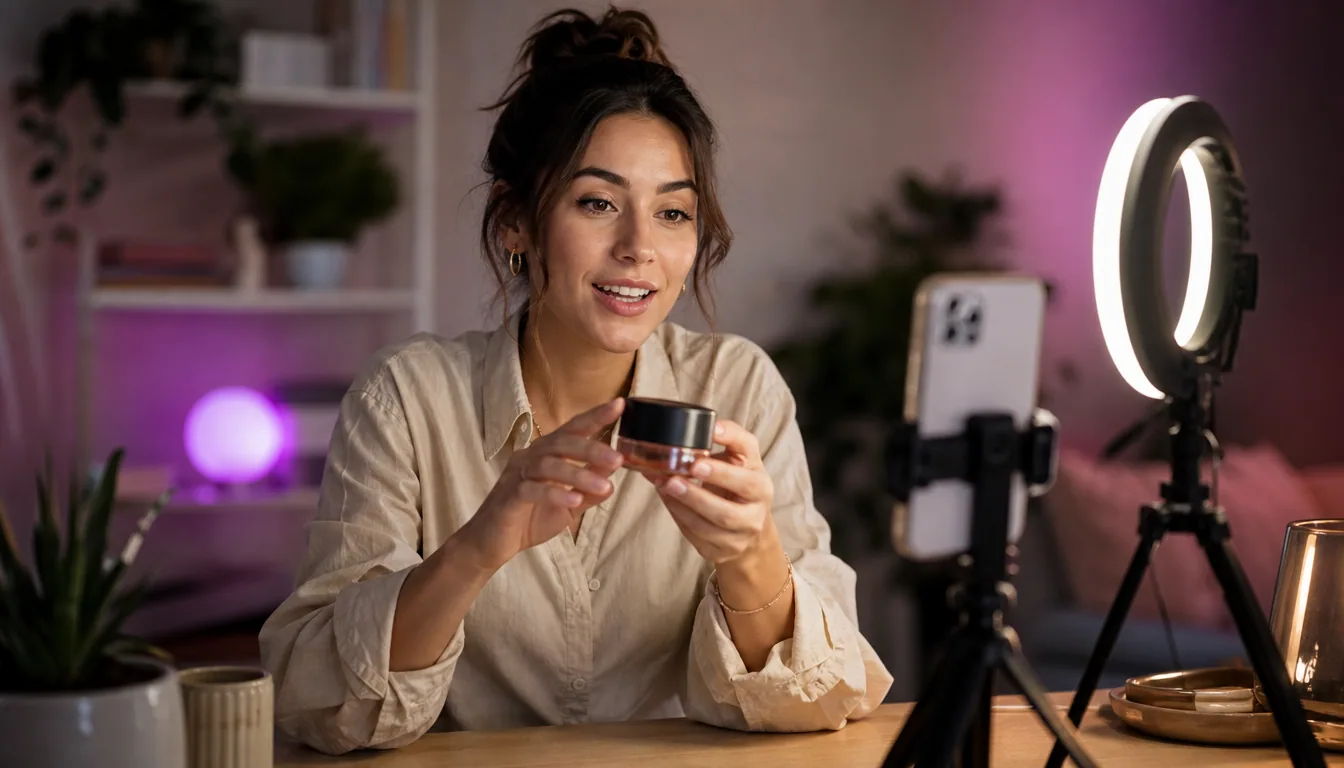
AI Video Prompts for UGC Ads: 12 Templates for Product Demos and Reviews

AI video prompts for UGC ads are structured instructions that turn product facts into creator-style ad scenes. A usable prompt names seven things: the product fact, the audience, the shot, the hook, the proof, the call to action, and the claims that are off limits. Everything else is decoration. The twelve templates below follow that structure so you can vary one element at a time.
Most prompt collections you find are written for cinematic video: lens choices, lighting rigs, camera moves. That is a different job. A UGC ad has to look like something a person filmed on a phone, and it has to carry a specific selling argument in under thirty seconds. The prompt has to encode the argument, not just the look.
The seven variables that make a prompt testable
If you cannot swap one line of the prompt and predict what changes in the output, you do not have a template. You have a paragraph. Every prompt in this library is built from the same seven slots.
- Product fact. One concrete, verifiable attribute. Not "premium quality." Something like "machine washable at 40°C" or "charges in under an hour." Pull these from the product page, not from imagination.
- Audience. Who is being spoken to, in the terms they would use about themselves. "Someone who keeps buying cheap versions of this and keeps replacing them" beats "value-conscious shoppers."
- Shot. Framing, setting, and what the hands are doing. Handheld selfie in a kitchen. Overhead on a desk. Product held to camera and turned.
- Hook. The first line, spoken before anything else happens. This is the variable that changes performance most and costs the least to test.
- Proof. The moment where the claim is demonstrated on camera rather than asserted. A stain lifting. A drawer closing without a slam. If you cannot film the proof, reconsider the claim.
- CTA. One action, phrased the way a person talks, placed at the end.
- Prohibited claims. An explicit block list inside the prompt. Medical outcomes, income results, comparisons to named competitors, guarantees. Writing these into the prompt is cheaper than editing them out later.
Hold six slots constant, change one, and the difference in output is attributable. Change four at once and you have two videos with no relationship to each other.
Twelve prompt templates for UGC ads
Each template below is a skeleton. Square brackets are variables you fill from your own product facts. fill-in UGC ad script frameworks If you want a broader set of script structures to adapt alongside these prompts, our guide to fill-in UGC ad script frameworks covers demo, problem-solution, and objection-handling formats you can map straight onto these slots.

Each template below is a skeleton. Square brackets are variables you fill from your own product facts. The prohibited-claims line stays in every one.
Product demo
1. The single-action demo. "Handheld vertical video, [setting]. Speaker is [audience descriptor]. They open with: '[hook].' They then perform one action with [product] on camera: [specific action]. The action is shown start to finish without a cut. They close with [CTA]. Do not claim [prohibited list]. Do not present the speaker as a verified customer."
2. The problem-first demo. Same structure, but the first five seconds show the failure state without the product. The product enters only after the frustration has been made visible. Useful when the benefit is invisible until you have seen the alternative.
3. The speed run. "Show the full use of [product] compressed into [duration], real-time or lightly sped up. Narration names each step as it happens." Works for anything where the pitch is that the task takes less effort than expected.
Founder-style explainer
4. The build reason. "Speaker addresses the camera directly, talking-head framing, plain background. They explain why [product] was built the way it is: [design decision] because [reason]. No sales language. They end on [CTA]." This works because a design rationale is checkable, which makes it feel less like an ad.
5. The tradeoff admission. "Speaker names one thing [product] deliberately does not do, and explains what was gained by leaving it out." Naming a limit is one of the few moves that buys credibility without a claim.
6. The category correction. "Speaker corrects a common misunderstanding about [category], then shows how [product] is positioned differently." Keep the correction factual and general. Do not name competitors.
Comparison framing
7. The generic-versus-specific. "Two objects on a table: an unbranded generic version of [category] and [product]. Speaker performs the same task with each. No brand names are shown or spoken." The whole value here is in the visual difference, so if the difference does not photograph, skip this format.
8. The before and after. "Same frame, same lighting, two states: before [product] and after. Speaker narrates what changed." TikTok's own creative library notes that a direct before-and-after narrative keeps the product benefit obvious while the pacing stays native to the feed (TikTok One Creative Suite).
9. The upgrade path. "Speaker describes what they used to do, then what they do now, without disparaging the old method." Softer than a head-to-head and less likely to trip an ad review.
Unboxing and first impression
10. The unboxing. "Overhead shot, hands only, package opened on a plain surface. Each item is placed in frame and named. Narration is descriptive, not evaluative." The restraint is deliberate. An AI-generated speaker cannot honestly report a first impression, so keep the script to what is physically in the box.
Social proof framing
11. The review-reading. "Speaker reads aloud from a real published review of [product], attributing it as a review rather than their own experience, then demonstrates the specific thing the review mentions." This is the safe version of social proof. The speaker is a presenter, not a witness. Never write a prompt that has an AI actor describe a personal experience they did not have.
Objection handling
12. The objection answer. "Speaker states the most common hesitation about [product] out loud: '[objection].' They answer it with one demonstrable fact: [product fact], shown on camera. They close with [CTA]." Build one of these per objection in your support inbox. It is the highest-yield template in the set and the most underused.
Writing hooks you can actually compare
Treat those as starting hypotheses for your own tests, not as settled results for your account. 25 TikTok hooks for UGC ads If you want a deeper set of opening lines to work from, our library of 25 TikTok hooks for UGC ads groups examples by the job each one does, so you can slot a fresh first line into any template here and compare it head to head.
The hook is the only variable worth isolating first, because it changes whether anything else in the video is seen. Write five hooks against one script rather than five scripts against one hook.
Practical constraints that hold up:
- The hook is spoken before any product appears in frame.
- It is one sentence. If it needs a comma splice, it is two hooks.
- It contains either a specific number from your product facts or a specific situation, never an adjective.
- It does not open with a question the viewer can answer "no" to and keep scrolling.
Curiosity-led openings and scenario-driven framing both appear among the higher-CTR patterns in TikTok's public creative examples, alongside the before-and-after structure (TikTok One Creative Suite). Treat those as starting hypotheses for your own tests, not as settled results for your account. If you want a deeper set of opening lines to work from, our guide to creating UGC ads with AI end to end covers where the hook sits in the wider production flow.
From product URL to prompt variables

The slow part of prompting is not writing the prompt. It is extracting the facts. Before you generate anything, put the product page in front of you and pull out:
- Three attributes stated as measurements, materials, or times.
- Two objections that appear in the reviews or the FAQ.
- One thing the product visibly does that can be filmed in a single take.
- The list of claims your legal or compliance position will not support.
That is the raw material for all twelve templates. In UGCfy AI, the workflow starts from a product URL or a product brief and produces hooks, scripts, storyboards, AI actor scenes, captions, and ad-ready video, so the extraction step and the generation step live in one place. Output supports vertical 9:16 and square 1:1, and more than 20 languages, which matters if the same product fact needs to be spoken by different presenters in different markets. You can create an AI UGC video from a product URL and use the generated script as the first draft of your variable table rather than as a finished ad.
What a prompt cannot do
Three limits are worth being blunt about, because ignoring them is how teams get creative pulled or, worse, get a complaint.
A prompt cannot manufacture an endorsement. An AI actor saying "I've used this for three months and my skin cleared up" is not a testimonial. It is a fabricated one. The template set above routes around this by making the speaker a presenter of facts and published reviews rather than a claimed user. If you want real testimonial content, you need a real person, and the tradeoffs there are covered in AI UGC versus UGC creators.
A prompt cannot make an unsupported claim safe. Writing "clinically proven" into a script does not create a clinical trial. If the fact is not on the product page or in a document you can produce on request, it does not go in the prompt.
A prompt cannot substitute for disclosure. Platform rules on AI-generated and synthetic media are set by the platforms and they change. Meta and TikTok both publish their own ad policy pages, and those are the source of record, not a blog post. Our overview of disclosure and platform rules for AI UGC is a starting point, but verify against the current policy before you launch.
A decision framework for choosing a template
Twelve templates is too many to run at once. Pick by what you are uncertain about.
- You do not know if people understand what the product is. Run the single-action demo and the category correction.
- People understand it but do not believe it. Run the before-and-after and the objection answer.
- They believe it but do not buy. Run the tradeoff admission and the review-reading. The blocker is usually trust or price framing, not comprehension.
- You are entering a crowded category. Run the generic-versus-specific and the build reason. Both give you a reason to exist that is not a discount.
- You have a working ad and want more of it. Do not change the template. Change the hook, then the setting, then the presenter, in that order.
Keep a table with one row per generated video and one column per variable. After a few dozen rows you will start to see which slot actually moves your numbers, and that is a more durable asset than any prompt library, including this one.
Start from a product page
Take one product URL, pull four facts, pick two templates from the objection and demo groups, and generate both. Compare them on the same hook. That is a complete first test, and it takes an afternoon rather than a production cycle.
Frequently asked questions
What is an AI UGC prompt, exactly?
It is a structured instruction that tells a generation tool what product fact to communicate, who the speaker is addressing, how the scene is framed, what the opening line is, how the claim is demonstrated, what action to ask for, and what claims are off limits. The last element is what separates a prompt you can run in a paid ad from one you cannot.
How many variables should I change between test variants?
One. If you change the hook and the setting and the presenter at the same time, you cannot attribute any difference in results to a cause. Hold the other six slots constant and vary the one you are actually curious about.
Can an AI actor read a customer review out loud?
It can present a real, published review as a review, clearly attributed as someone else's words. What it must not do is speak the review in first person as if the speaker experienced it. That crosses from presenting social proof into fabricating a testimonial.
Which template should I start with if I only run one?
The objection answer. You already know your most common hesitation from your support inbox or your reviews, the script writes itself from a single product fact, and it addresses the thing most likely to be blocking a purchase.
Do I need a different prompt for 9:16 and 1:1?
The script can stay the same, but the shot variable should not. Square framing gives you room on the sides that vertical does not, and vertical rewards close, face-forward framing. Specify the aspect ratio in the shot line rather than assuming the tool will recompose sensibly.
How do I stop generated scripts from making claims I cannot support?
Write the block list into the prompt itself rather than editing afterwards. Name the specific claim types you will not make, such as health outcomes, earnings, guarantees, or named competitor comparisons. It is far cheaper to constrain generation than to review every output.