How to Make AI UGC Look Real: A Quality-Control Checklist
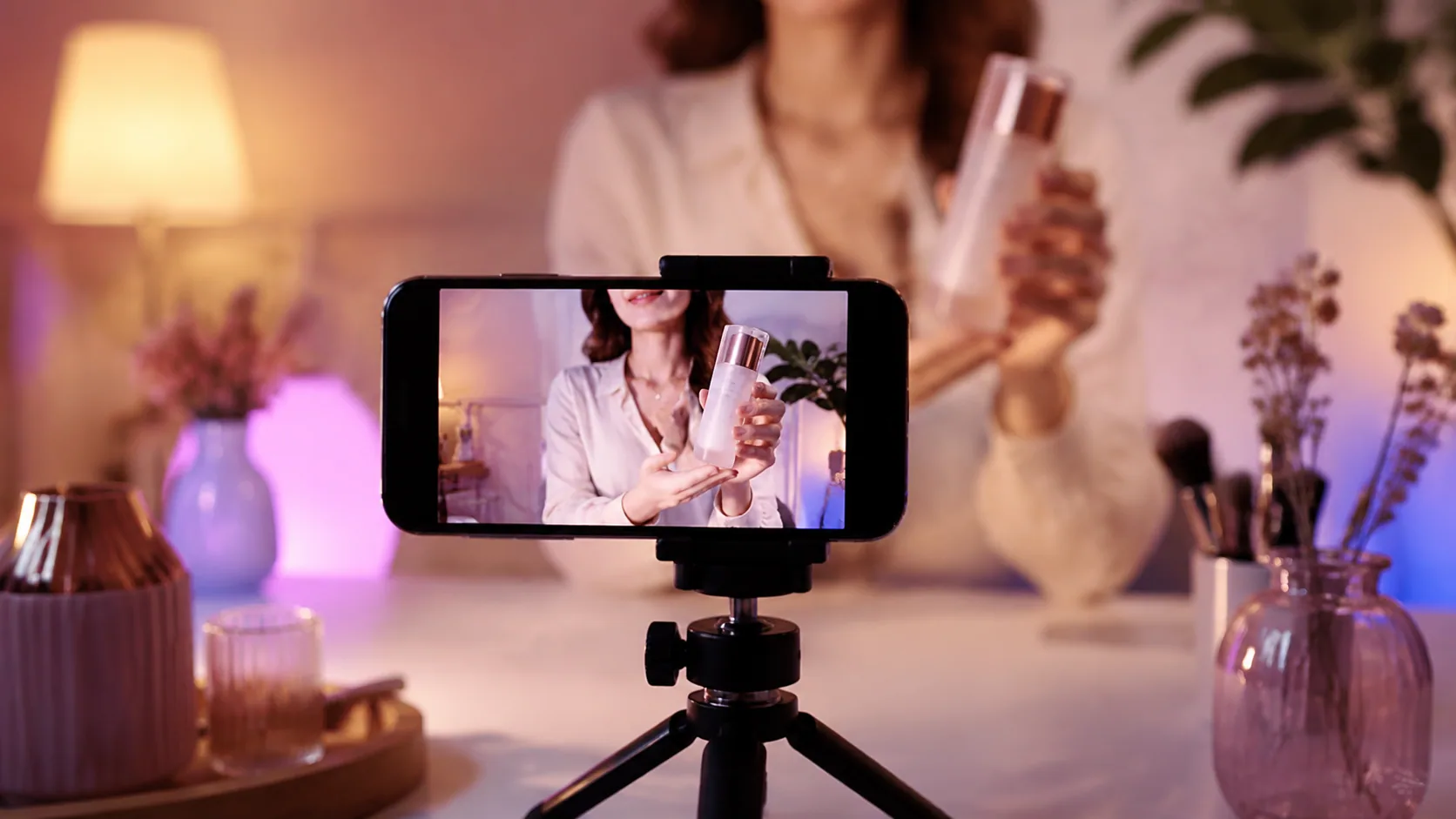
Realistic AI UGC is synthetic creator-style video that reads as competently produced rather than obviously generated. You get there through production quality: a product that stays consistent shot to shot, a presenter who moves naturally, believable lighting, tight framing, human script rhythm, clean captions, supportable claims, and clear disclosure. The goal is a polished ad, not a fake customer.
Short answer: Review AI UGC the way you would review a live shoot. Check product consistency, presenter motion, lighting, framing, caption timing, and claim support. Then confirm the ad is disclosed as AI and never presented as a genuine customer testimonial.
This checklist is for creative teams doing a final pass before spending money on paid social. It assumes you have a draft video and want to catch the details that make viewers feel something is off. Realism here means the piece looks well made. It does not mean you are trying to trick anyone into thinking a synthetic presenter is a real buyer.
what realistic ai ugc actually means
"Realistic" is easy to misread. It does not mean deceptive. A well-made AI UGC video can be openly labeled as AI and still feel natural, on-brand, and worth watching. The realism you want is the same realism a good creator brings: the shot holds together, the person seems present, and nothing pulls attention away from the message.
Keep two ideas separate. Production quality is about craft. Honesty is about not implying a synthetic actor had a personal experience with the product. You can and should have both. If you want the deeper legal framing, see our guide on AI UGC disclosure and platform rules.
UGCfy AI works from a product URL or brief and can generate hooks, scripts, storyboards, AI actor scenes, captions, and ad-ready video. The checklist below applies to that kind of output, or to any AI UGC you assemble.
product consistency check
Product errors are the fastest way to lose credibility. Viewers may not name the problem, but they notice when the label changes or the color drifts. Scrub through the video and confirm the product looks like the same object in every frame.
- Label text, logo placement, and packaging shape stay identical across cuts.
- Color and finish match your real product, not a slightly off variant.
- The presenter's hands hold the item the way a person actually would, with fingers behaving like fingers.
- Reflections and shadows on the product match the scene's light direction.
- Any on-pack claims visible in frame are accurate and legible enough to not mislead.
If the product warps between shots, re-render that scene or lock the product reference before generating. A single wrong-label frame can undermine an otherwise strong ad.
presenter movement and lighting

The presenter is where the "uncanny" feeling usually lives. Watch the video at normal speed once, then again with the sound off. Silent playback exposes stiff motion and timing problems.
- Blinks happen at a natural rate, not too often and not frozen.
- Mouth shapes roughly match the audio, especially on hard consonants.
- Head and shoulder movement feels loose rather than robotic or looping.
- Hands enter and leave the frame without smearing or extra fingers.
- Eye direction stays consistent with where the person is supposedly looking.
Lighting sells the space. A believable scene has one dominant light source, consistent shadow direction, and a background that matches the light on the presenter's face. Flat, evenly lit shots often read as synthetic. A little directional light and gentle falloff make the frame feel like a real room.
Choosing the right presenter for the product and audience matters as much as the render. If you are still deciding, weigh the presenter options against the product and the audience before you lock the scene.
framing, captions, and script rhythm
UGCfy supports vertical 9:16 and square 1:1 output. Frame for where the ad will run and keep the presenter's face and the product inside the safe area, away from platform UI that covers the bottom and side of the screen.
Framing:
- Eyes sit in the upper third, not dead center.
- The product is visible when it is mentioned, not held off-screen.
- Headroom looks natural, without the top of the head cut awkwardly.
Captions:
- Caption text matches the spoken words exactly.
- Timing lands with the audio, not a half-second late.
- Placement avoids the very bottom edge where platform controls sit.
- Line length stays short enough to read on a phone in one glance.
Script rhythm: Real creators use contractions, pauses, and slightly uneven pacing. A script that reads like a brochure sounds synthetic no matter how good the render is. Read the script out loud. If you would never say it that way, rewrite it. UGCfy supports more than 20 output languages, so if you localize, have a native speaker confirm the rhythm holds in each one. For hook and script patterns, our post on creating UGC ads with AI covers the full URL-to-video workflow.
claim support and disclosure
This is the part reviewers skip and regret. Every factual statement in the video needs to be true and supportable, and the ad needs to be honest about what it is.
The FTC's guidance on endorsements, influencers, and reviews explains that endorsements must reflect honest experience and that material connections and misleading claims are a problem regardless of format (ftc.gov). A synthetic presenter has no personal experience to endorse, so do not script one.
- No line implies the AI presenter personally bought, used, or loved the product.
- Specific claims about results, ingredients, or performance are backed by evidence you can produce.
- Superlatives and comparisons are accurate, not casual exaggeration.
- The ad is disclosed as AI-generated in a way a viewer can actually notice.
- Pricing, availability, and offer details in the video match your live listing.
If a claim cannot be supported, cut it or rephrase it as a general product description. Disclosure and honest framing are not obstacles to realism. They are what keep a good-looking ad from becoming a liability.
a final pre-launch review framework

Run one structured pass before the ad goes live. Assign a second reviewer who did not build the video, since fresh eyes catch what the maker has stopped seeing.
- Product pass: scrub frame by frame for label, color, and hand consistency.
- Presenter pass: watch silently for blinks, lip sync, and stiff motion.
- Light and framing pass: confirm one clear light source and safe-area framing.
- Audio and script pass: read the script aloud and check caption timing.
- Claims and disclosure pass: verify every claim and confirm the AI label is visible.
If any pass fails, fix it before you spend. Deciding whether AI UGC or a human creator fits a given campaign is a separate question, and our comparison of AI UGC vs UGC creators can help you make that call.
Ready to produce creator-style ads from a product URL and run them through this checklist? Choose an AI presenter for your ad and build a disclosed, review-ready draft with UGCfy AI.
Frequently asked questions
Does making AI UGC look real mean hiding that it's AI?
No. Realism here means production quality, not deception. A well-made AI UGC video can be clearly labeled as AI-generated and still look natural and on-brand. The goal is craft, not impersonating a real customer.
What's the most common giveaway that a video is AI-generated?
Presenter motion. Unnatural blinking, loose lip sync, and stiff or looping head movement are the fastest tells. Watching the video with the sound off usually exposes these problems quickly.
How do I keep the product consistent across shots?
Lock a product reference before generating, then scrub the finished video frame by frame. Check that the label, logo placement, color, and packaging shape stay identical and that hands hold the item naturally. Re-render any scene where the product warps.
Can an AI presenter say they personally used the product?
No. A synthetic presenter has no personal experience, so scripting one as a customer testimonial is misleading. The FTC's endorsement guidance stresses that endorsements should reflect honest experience. Keep claims accurate and disclose that the content is AI.
What framing works best for AI UGC ads?
Frame for where the ad runs. UGCfy supports 9:16 and 1:1 formats. Keep the presenter's eyes in the upper third, show the product when it's mentioned, and keep faces and captions inside the safe area away from platform controls at the edges.