YouTube Shorts Ads: How the Vertical Placement Works and What Creative Survives It

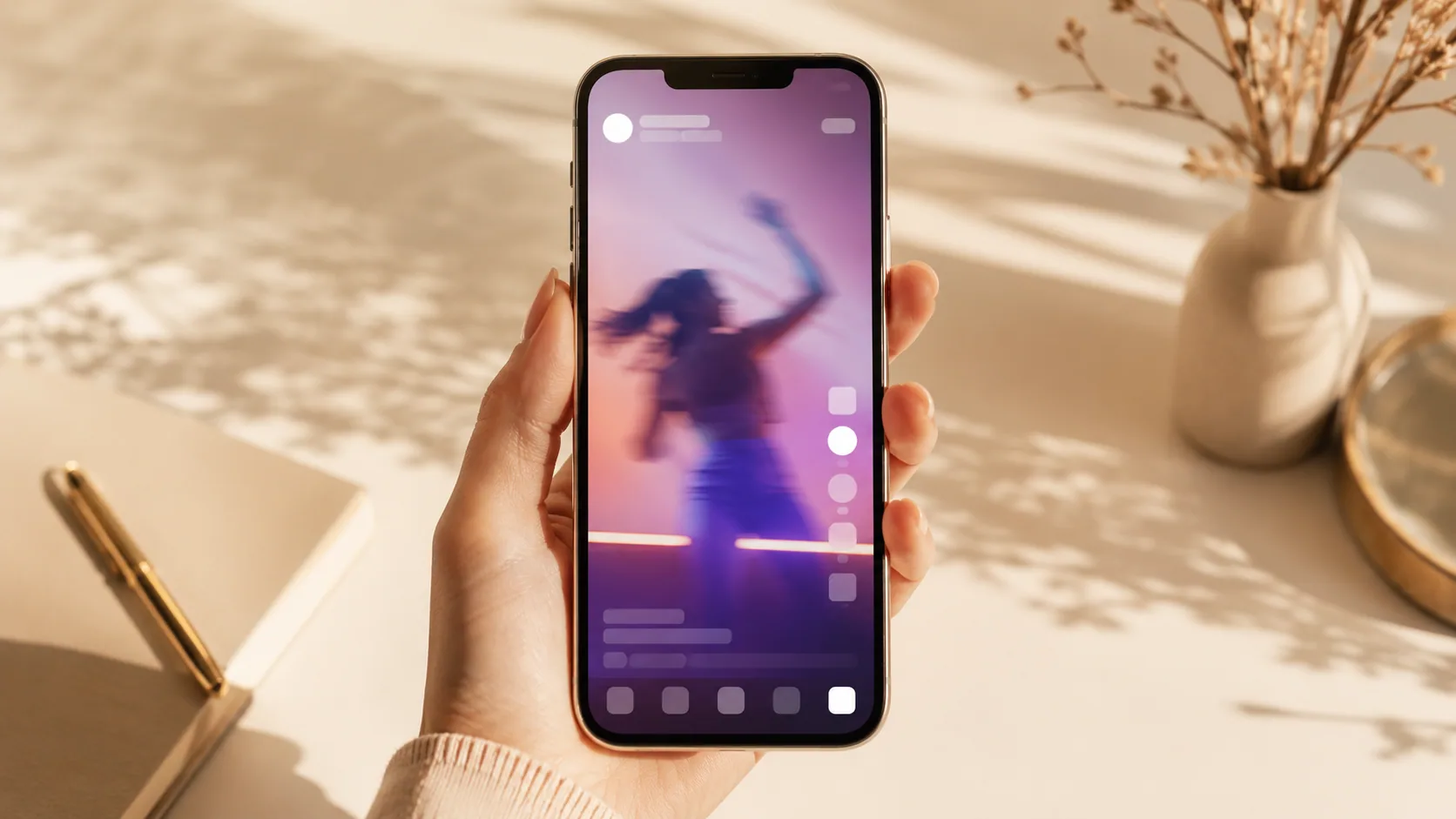
YouTube Shorts ads are vertical video ads that appear between organic clips in the Shorts feed. You do not buy them from a dedicated Shorts product. You build a campaign in Google Ads, upload vertical creative, and Shorts becomes one of the surfaces where that campaign can serve. The placement is a delivery outcome, not a line item you purchase directly.
Short answer: There is no "Shorts campaign" button. You run a Google Ads video or demand-generation style campaign, supply 9:16 assets, and the system decides when to place them in the Shorts feed alongside other YouTube surfaces. Your leverage is creative, asset ratio, and campaign objective, not a placement checkbox that behaves like TikTok Ads Manager.
Why the buying path confuses TikTok natives
If your mental model comes from TikTok Ads Manager or Meta Ads Manager, you expect a placement list. You tick a box, you get a surface, you read a breakdown by surface afterwards. That model does not map cleanly onto YouTube.
Google Ads is organized around campaign types and objectives first. You choose a goal and campaign type before you touch creative, and the eligible inventory follows from that choice. Shorts inventory sits inside YouTube, and YouTube inventory sits inside the campaign types that carry video. So the decision chain runs objective, then campaign type, then asset ratio, then placement eligibility.
A few practical consequences follow from that indirection:
- You cannot isolate Shorts as a clean test cell the way you isolate a TikTok placement. If you need Shorts-only learnings, you usually get them from reporting segmentation rather than from a buying control.
- Your 9:16 asset is the strongest eligibility signal you control. A campaign fed only 16:9 masters has far less reason to land in a vertical feed.
- Campaign type names and eligibility rules change. Google has renamed and merged video campaign options more than once. Before you build, open the current campaign-creation flow and read what is actually there instead of trusting a guide from two quarters ago, including this one.
That last point is not a hedge. It is the operating instruction. Treat every article about Google Ads campaign structure, including the section you just read, as a description of a moving object.
How Shorts delivery differs from in-stream
The mechanical difference matters more than the naming confusion, because it changes what creative works.
In-stream pre-roll interrupts. Someone chose a video, they are waiting for it, and your ad is the toll. Attention is captive for a moment and hostile after that. The classic pre-roll craft problem is buying tolerance: give the viewer a reason to stay before the skip control becomes their escape.
Shorts does not interrupt. It substitutes. The viewer is already scrolling vertically through short clips, and your ad occupies one of those slots. There is no video they were waiting for. There is only the next swipe, which is always one thumb movement away and carries no cost.
That single difference cascades:
- Sound expectations invert. Feed viewers often arrive with sound already on because organic Shorts are built for sound. A silent-first ad reads as broken rather than considerate.
- The exit is continuous, not gated. Pre-roll gives you a fixed window before the skip. A feed gives the viewer permission to leave at every frame, so pacing has to earn each second.
- Native texture is the baseline, not a style choice. Your ad is judged against the clip before it, which was probably handheld, face-forward, and cut fast.
- Context is unpredictable. You cannot reason about what the viewer just watched, so opening lines that assume topical context fall flat.
The useful summary: Shorts behaves like TikTok in the viewer's hands and like Google Ads in the buyer's account. Build creative for the first reality and campaigns for the second.
Translating an existing vertical UGC ad into Shorts

Most teams arriving here already have a library of 9:16 UGC ads that run on TikTok or Reels. The ratio matches, so the temptation is a straight re-upload. That works often enough to be tempting and fails in specific, repeatable ways.
Here is the translation pass worth running on each asset before you push it live.
1. Re-check the safe zones against a different overlay
Every vertical feed reserves screen edges for its own controls, and the reserved areas are not identical across platforms. Text that clears the TikTok caption stack can sit underneath the Shorts interface. Pull your master, view it at phone size inside the actual Shorts app, and move anything that collides. Our TikTok ad specs guide covers the same discipline for the platform you are probably coming from.
2. Strip platform-specific furniture
Burned-in TikTok-style UI mockups, platform-native sticker fonts, and trending-sound references all announce that the asset was made somewhere else. Some of that is a policy risk. All of it is a credibility risk. Remove the borrowed interface and keep the human performance.
3. Rebuild the first beat for a colder entry
Hooks that lean on platform-specific in-jokes or on a creator's existing following do not transfer. The viewer does not know your creator and has no reason to grant them a second. Replace personality-dependent openings with situation-dependent ones: a visible problem, a physical action, a stated outcome.
4. Re-mix audio for sound-on, phone-speaker listening
Vocal clarity beats music bed. If the voice is buried, the ad reads as low quality in a feed where speech-forward organic content sets the reference. Check the mix on a phone speaker, not on monitors.
5. Move the caption burden
Captions still help, but a wall of text competes with the platform's own overlays. Keep captions short, timed to speech, and positioned away from the reserved zones you checked in step one.
6. Re-time the product reveal
A demo that takes several seconds to show the product survives a TikTok audience that opted into your creator. It does less well against a cold feed slot. Pull the physical product into frame earlier and let the explanation follow it.
What usually breaks in the repurpose
Patterns we see repeatedly when teams recycle vertical assets across feeds:
- The opening hook is shorter than you think. A slow logo fade or an establishing shot eats the only window you have.
- The aspect ratio is right but the framing is wrong. A 16:9 shot cropped to 9:16 leaves the subject's head clipped or floating in dead space. Reframe, do not crop.
- End cards assume a click surface that is not there. "Link in bio" and screen-corner arrows point at nothing. State the action verbally instead.
- Long assets get truncated in the middle of the payoff. If the format enforces a shorter maximum than the source platform, your close disappears. Build a version that resolves early.
- Compliance language shrinks below readability. Disclosure and disclaimer text that was legible in a full-screen review gets unreadable at feed scale.
- Legal disclosures get lost entirely. If your creative uses an AI actor, the disclosure obligation travels with the asset. Our notes on disclosure and platform rules for AI UGC apply here the same as anywhere.
Before you commit to a full re-cut, it helps to review creative patterns and examples that already run in vertical feeds and note which structural choices repeat.
A decision framework for adding Shorts

Not every account should extend into Shorts immediately. Work through these questions in order.
- Do you have at least three genuinely different vertical concepts? Not three edits of one script. Different opening premises. A single asset in a new feed produces noise, not a read.
- Can you produce native-feeling variants without a new shoot? If every variant requires re-booking a creator, your test cadence will be too slow to learn anything before the creative tires.
- Is your measurement set up to segment YouTube surfaces? If you cannot separate Shorts delivery in reporting, you will attribute feed results to the whole campaign and draw the wrong conclusion.
- Is your objective compatible with a mid-scroll audience? High-consideration purchases that need a long explanation are a harder fit than a visible, demonstrable product.
- Do you have a refresh plan? Vertical feeds burn creative quickly. Plan the replacement before the first asset goes live, and watch for the early signals covered in our piece on detecting ad fatigue.
If you answered no to two or more, spend another cycle on creative supply before you widen placement.
Building the creative volume the format demands
The real constraint in vertical advertising is not targeting. It is asset count. A feed placement consumes concepts faster than a production calendar can refill them, and the teams who do well in Shorts are usually the ones who can put a new hook in front of a camera-equivalent this week rather than next month.
That is the gap UGCfy AI is built for. You start from a product URL or a short brief, and the workflow produces hooks, scripts, storyboards, AI actor scenes, captions, and ad-ready video output. It exports vertical 9:16 and square 1:1, and supports more than 20 output languages, which matters when the same concept has to run across several markets.
Two related reads if you are building a production system rather than a single ad: our guide to creator-style ads that do not mislead viewers, and a set of AI video prompt templates for demos and reviews. If Meta's placement logic is the other half of your plan, that is a different mechanism and worth reading separately.
One caution worth stating plainly: an AI actor is a performer, not a customer. Do not frame generated footage as a genuine personal testimonial, and disclose where the platform or the law expects it.
Need more vertical concepts than your calendar allows? Generate hooks, scripts, and 9:16 ad-ready video from a product URL with UGCfy AI, or browse the creator-style ad examples linked above to see the structures worth adapting first.
Frequently asked questions
Can I run a YouTube Shorts-only campaign?
Not as a standalone product. Shorts is a surface inside YouTube inventory, reached through Google Ads campaign types that carry video rather than through a dedicated Shorts buy. The strongest lever you control is supplying vertical 9:16 creative and choosing a campaign objective suited to a feed audience. Because campaign type names and eligibility rules change, check the current campaign-creation flow in your account before you build.
What is the main creative difference between Shorts ads and YouTube in-stream ads?
In-stream interrupts a video the viewer chose, so the craft problem is buying tolerance before the skip control. Shorts substitutes for the next clip in a scroll, so there is no captive moment at all. That pushes Shorts creative toward TikTok conventions: sound-on from frame one, a visible premise immediately, fast cuts, and native handheld texture rather than polished pre-roll storytelling.
Can I upload my TikTok ad directly to Shorts?
The ratio matches, so it will technically run, but a straight re-upload usually leaks performance. Common breakages include text that collides with a different interface overlay, burned-in TikTok-style UI or sticker fonts, hooks that depend on a creator's existing following, end cards that reference a link surface that is not there, and audio mixed for a different listening context. Run a translation pass on each asset.
Do Shorts viewers have sound on?
Organic Shorts content is built sound-first, so viewers generally arrive with audio expectations set by that content. Practically, this means designing for sound-on rather than silent-first. Keep vocal clarity above the music bed, check the mix on a phone speaker rather than studio monitors, and still include short captions timed to speech for accessibility and for viewers in quiet environments.
How many creative variants do I need before testing Shorts?
Aim for at least three genuinely different concepts, meaning different opening premises rather than three trims of one script. A single asset in a new feed produces noise, not a readable result. Also plan the refresh before launch, because vertical feeds consume creative quickly and the replacement cycle is usually the real bottleneck rather than targeting or budget.
Do I need to disclose AI-generated actors in Shorts ads?
Disclosure obligations travel with the asset regardless of placement. If your creative uses an AI actor, do not present that performer as a real customer or imply a genuine personal experience, and follow the disclosure expectations set by the platform and by applicable advertising law in your markets. Treat this as a legal question for your own counsel rather than a creative preference.